Wan 3.5 AI Video Generator

32

Sign in to claim 100 starter credits and begin creating

Find an idea for your next videoExplore product stories, animation and cinematic moments

Creative inspiration

Find inspiration for your next AI video

Explore visual references for character stories, product videos, camera movement and animation. Use these examples to plan your own Wan 3.5 prompt and the scene you want to create.

Choose a creative story01 05
Choose a creative story
01Character story

A small world with a cast to remember

Woodland textures, a red scarf and expressive creatures give this scene a warm storybook mood. Notice how the environment helps establish character.

01 / Visual references04 references
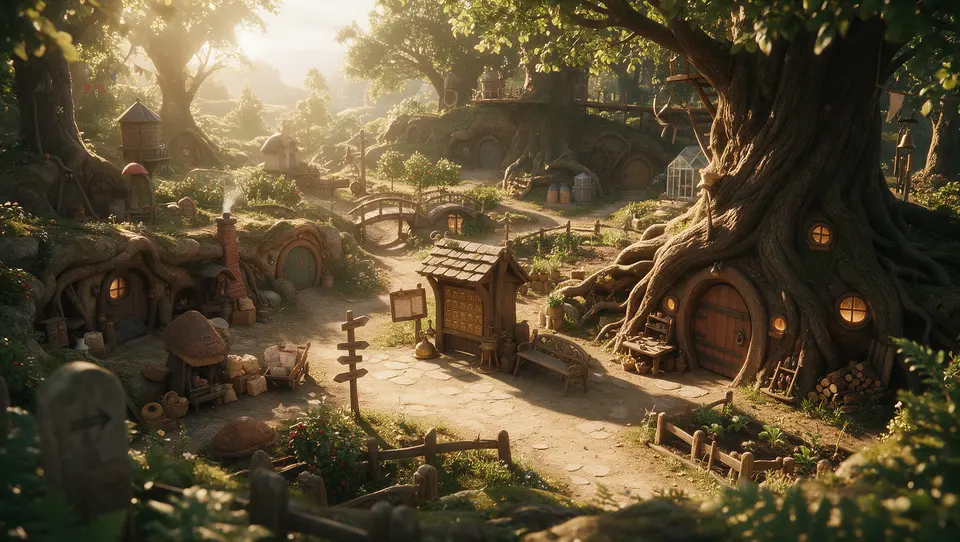
Sunlit woodland village with a small tree-house
01Woodland set
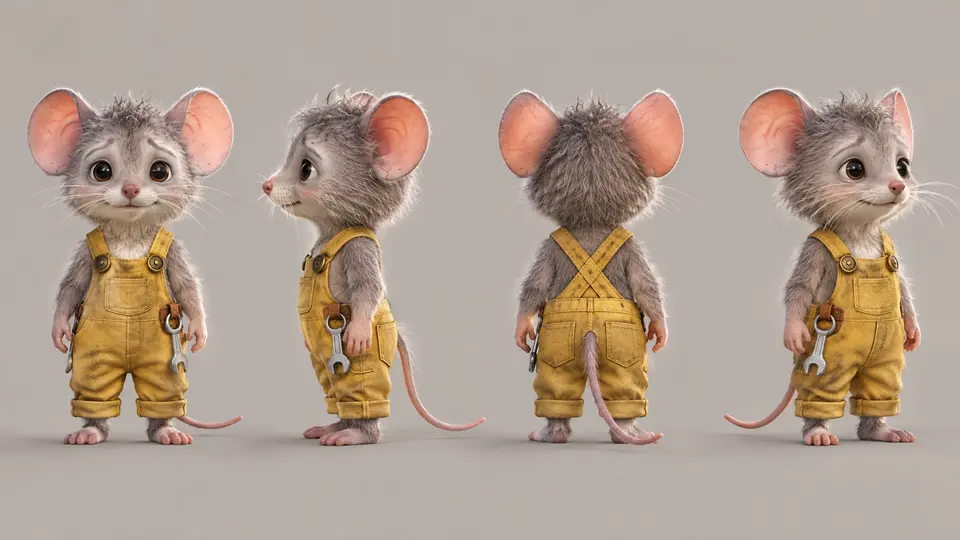
Mouse character in yellow overalls shown from four angles
02Mouse design
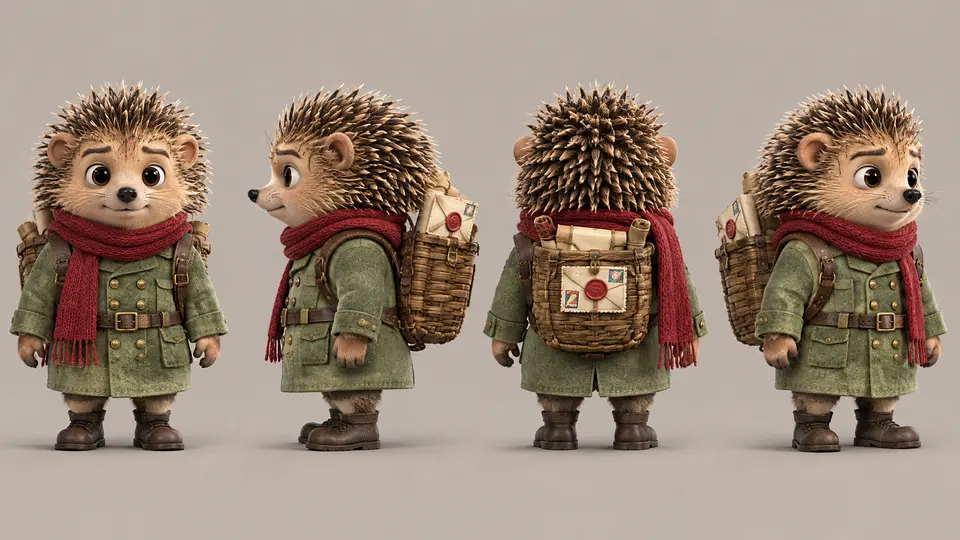
Hedgehog character in green coat and red scarf shown from four angles
03Hedgehog design
Hedgehog and mouse standing together as a character pair
04Character pair

Look at the cast and setting references to consider the visual details of a shared world.
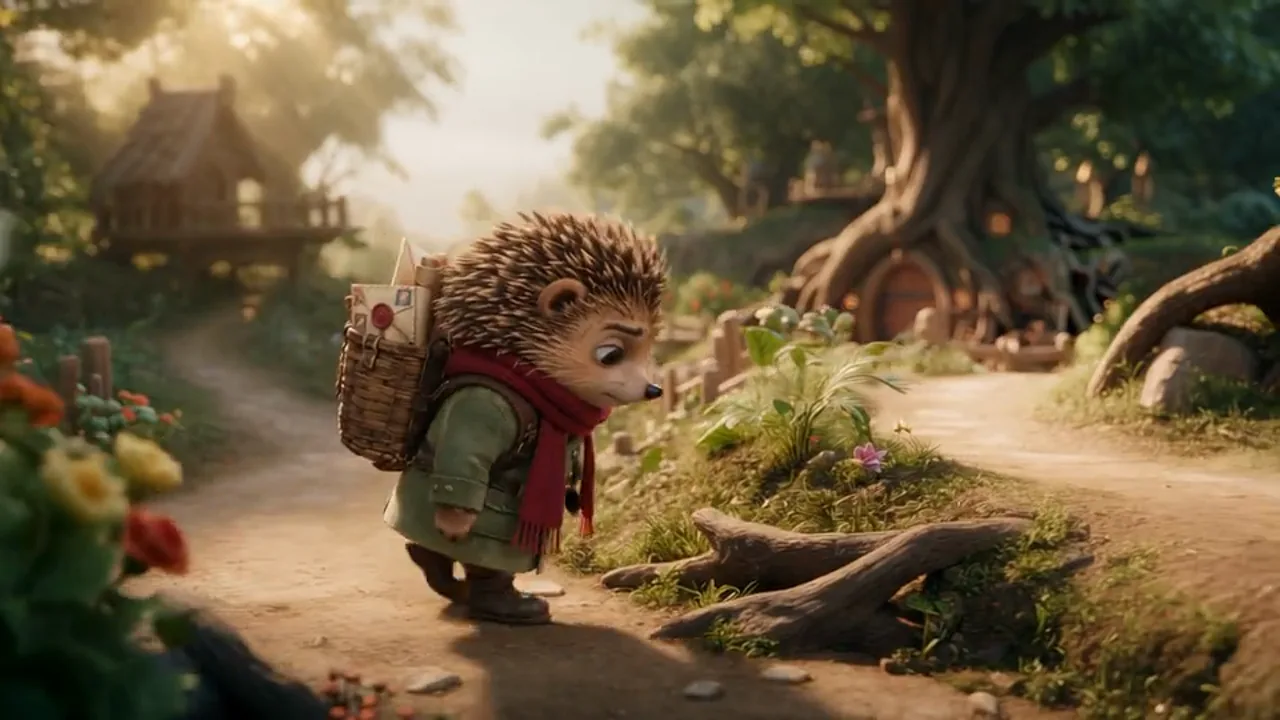
0:00 / 0:00
02 / Video example30s
Scene ideaA character scene with a clear visual identity

02Product moment

Give a product a place in the scene

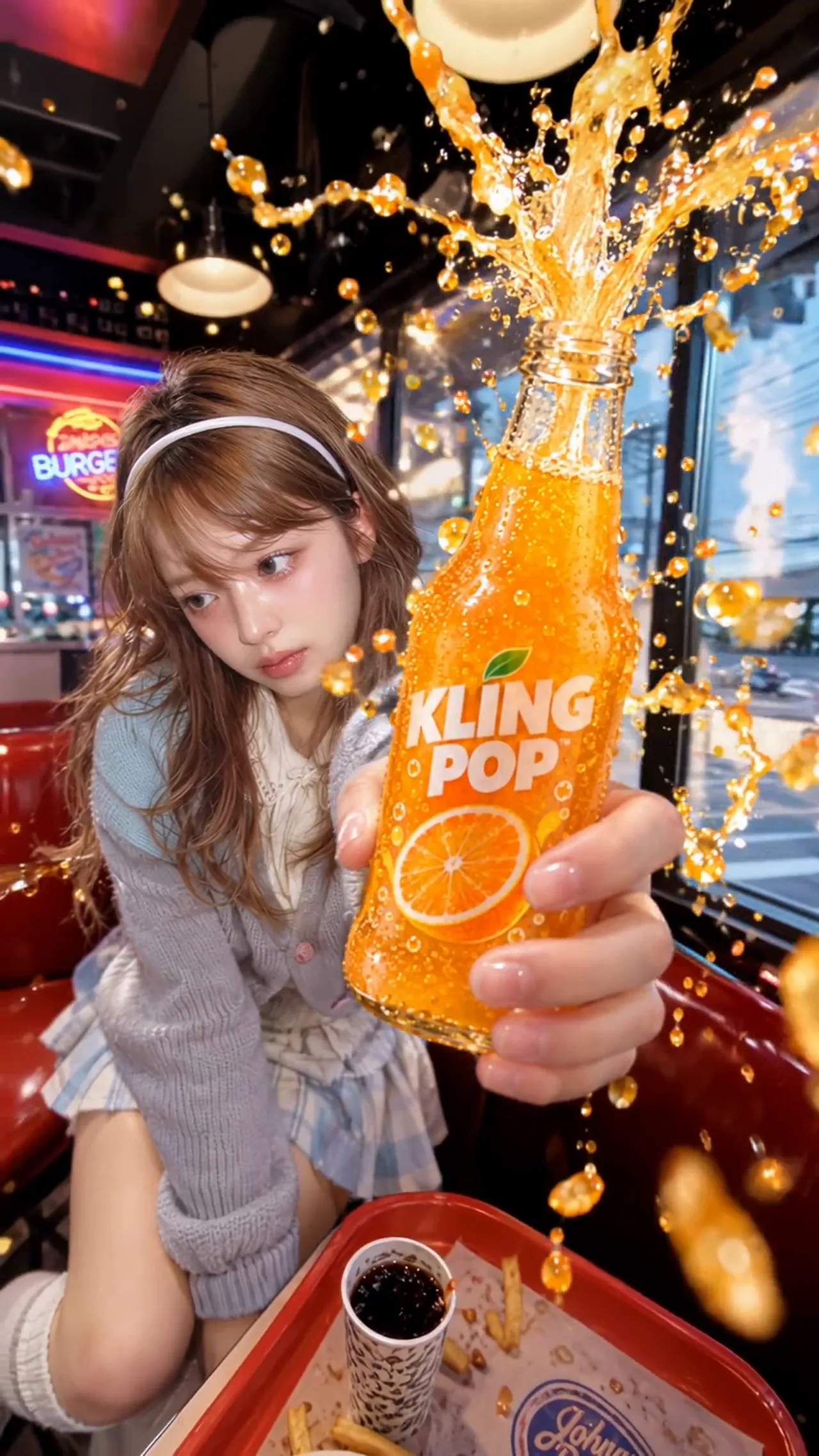
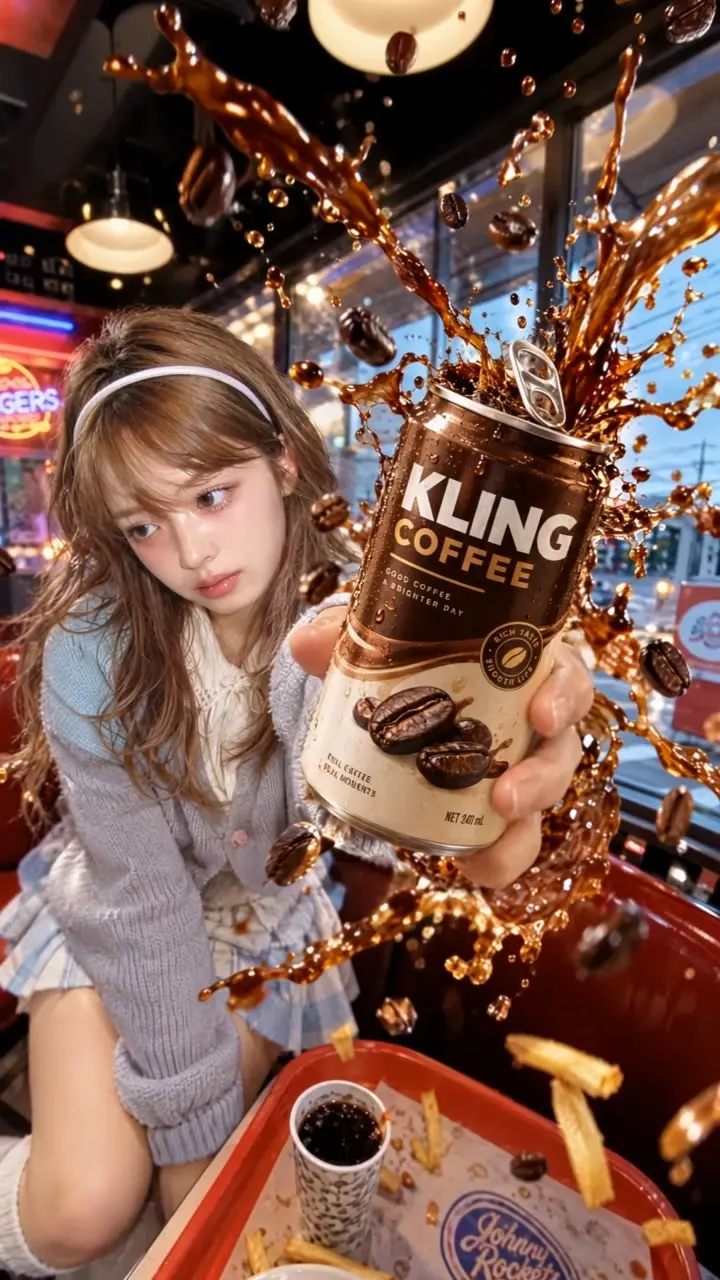
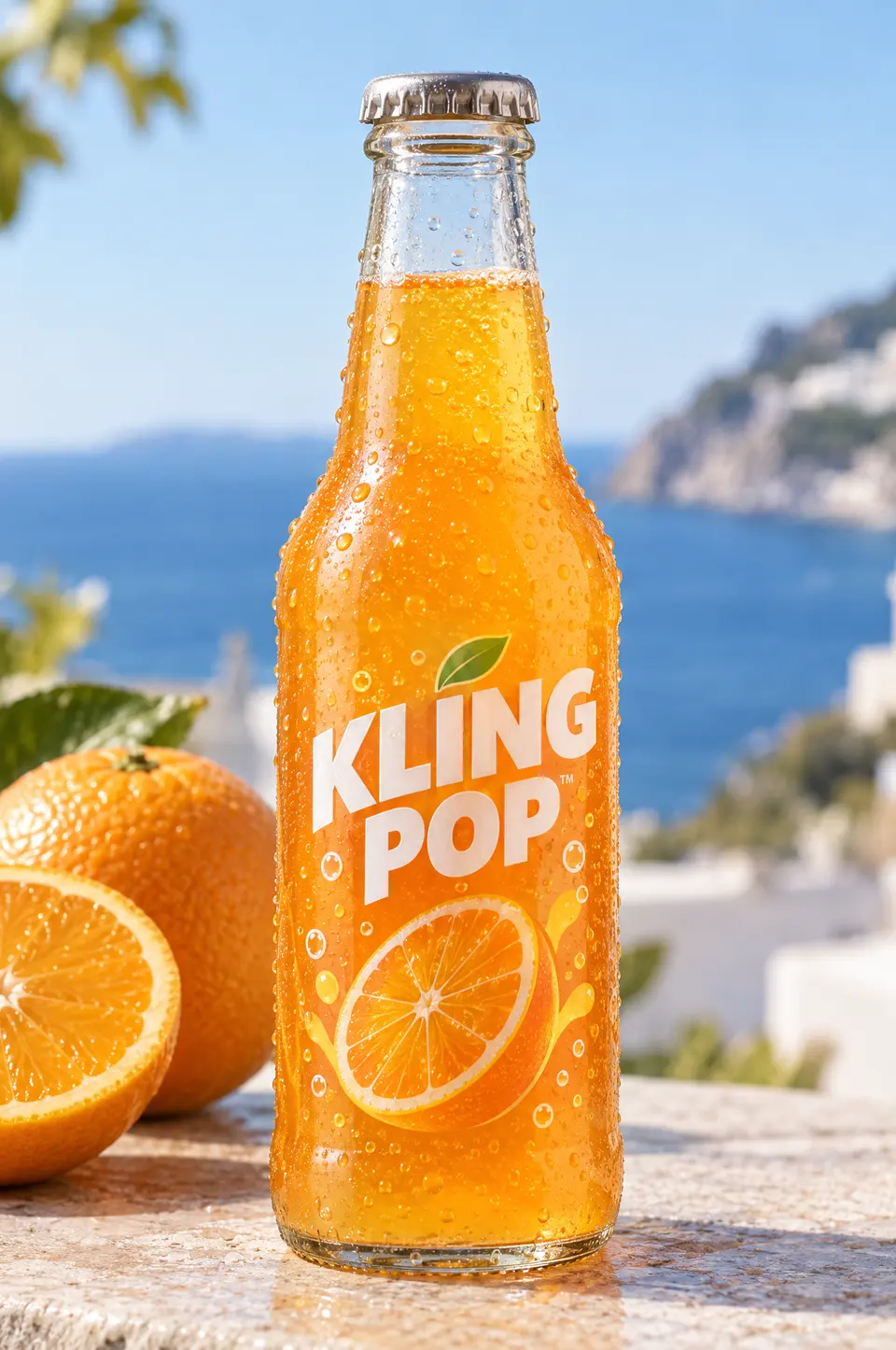
A bottle, a presenter and a burst of color create an energetic product moment. Think about what the viewer notices first.

01 / Visual references02 references
Creator holding an orange drink bottle in a vertical motion reference
01Creator motion
Orange Kling Pop bottle photographed beside oranges
02Product photo

The subject and bottle references help explain the creative direction of the example.

0:00 / 0:00
02 / Video example4s

Scene ideaA product story designed for a vertical frame

03Camera movement

Use speed to change the feeling of a shot

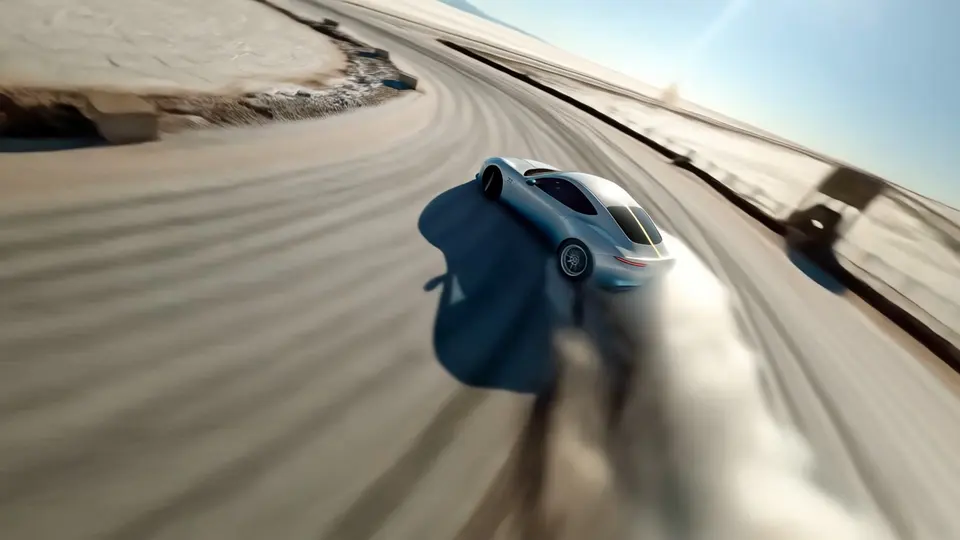
Follow the car through a lit arena and consider how framing, pace and surrounding light shape the sense of movement.

01 / Visual references03 references
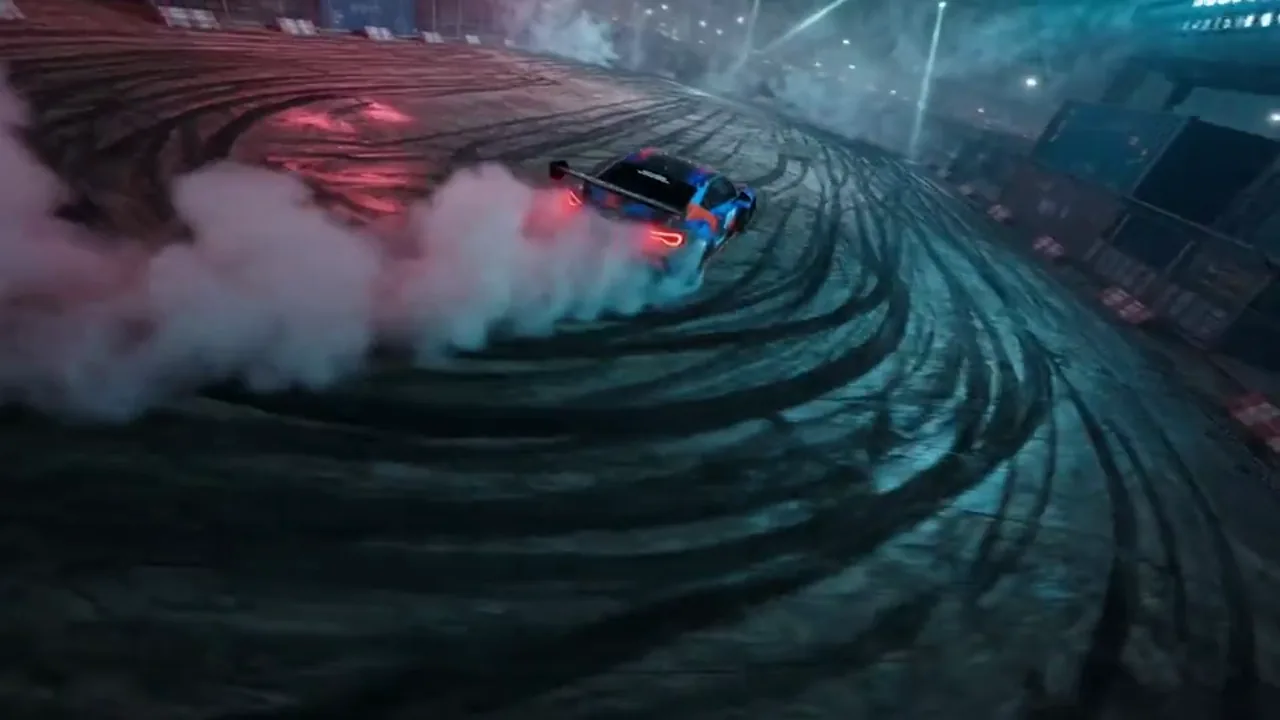
Blue race car drifting around a track in the motion reference
01Camera motion
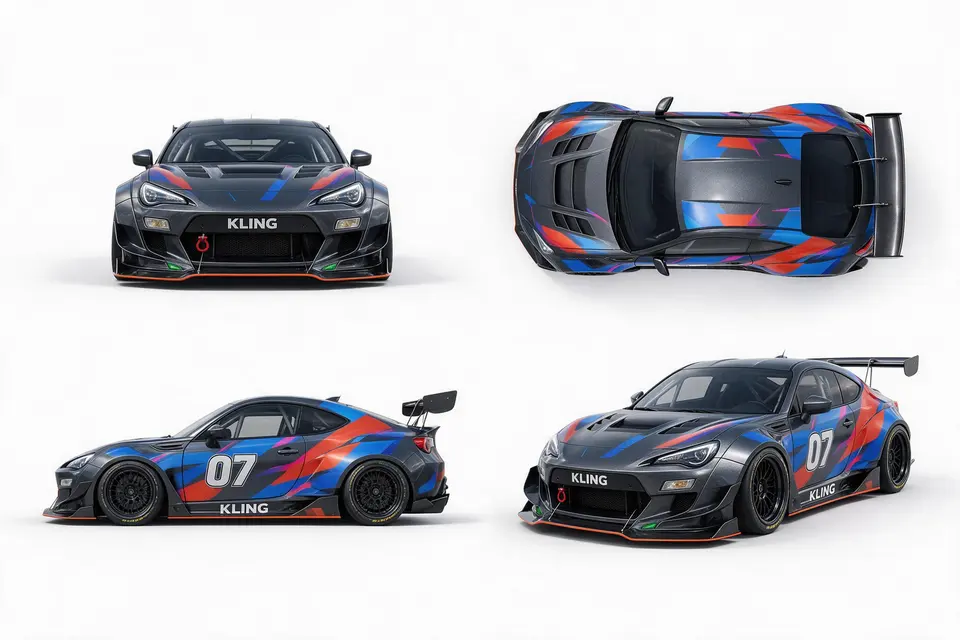
Blue and black race car design shown from several angles
02Car design
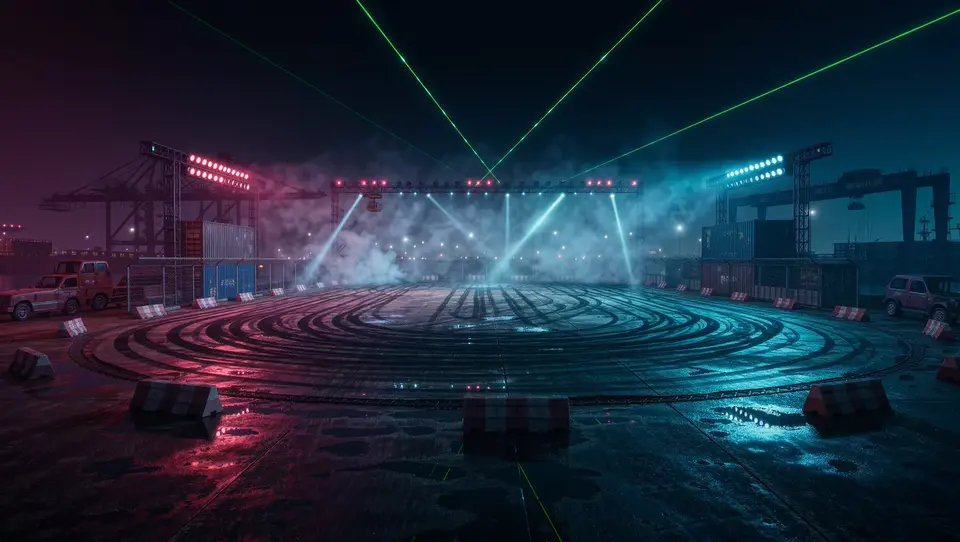
Neon-lit circular racing arena with blue and red spotlights
03The arena

Motion, vehicle and location references each describe a different part of the visual idea.

0:00 / 0:00
02 / Video example7s

Scene ideaA racing moment built around motion and atmosphere

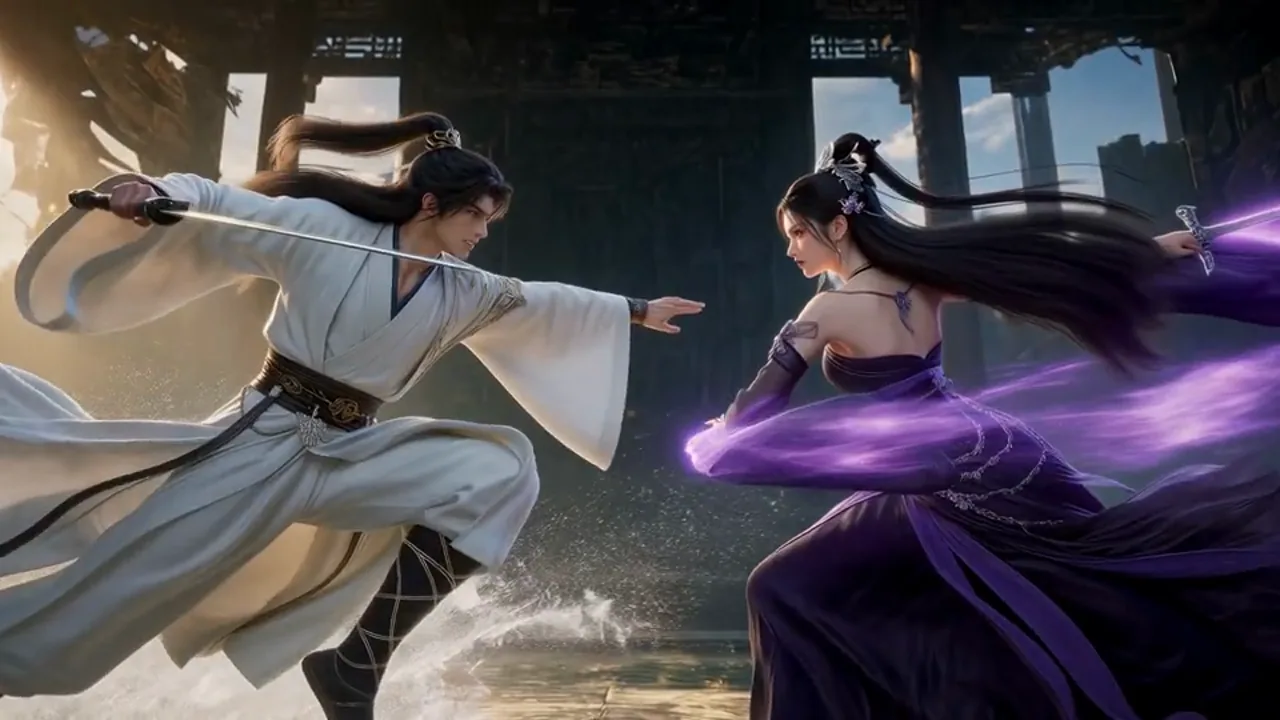
04Fantasy concept

Find the dramatic beat inside a world

Two fighters and an imposing setting establish a confrontation. Watch how the opening, action and close views change the tension.

01 / Visual references01 references
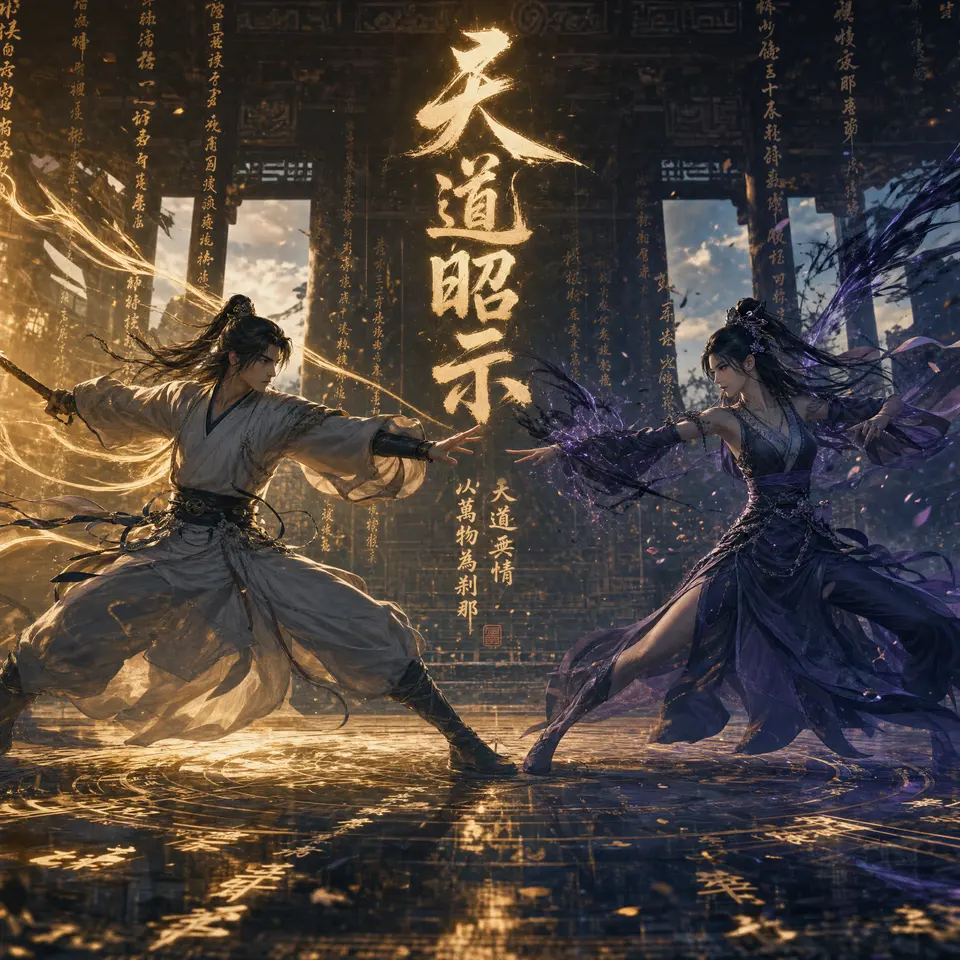
Fantasy concept artwork showing two fighters in a dark temple
01Concept artwork

A fantasy image sets a visual starting point for the characters and their environment.

0:00 / 0:00
02 / Video example15s

Scene ideaA visual concept explored as an action scene

05Illustration in motion

Let the atmosphere become part of the picture

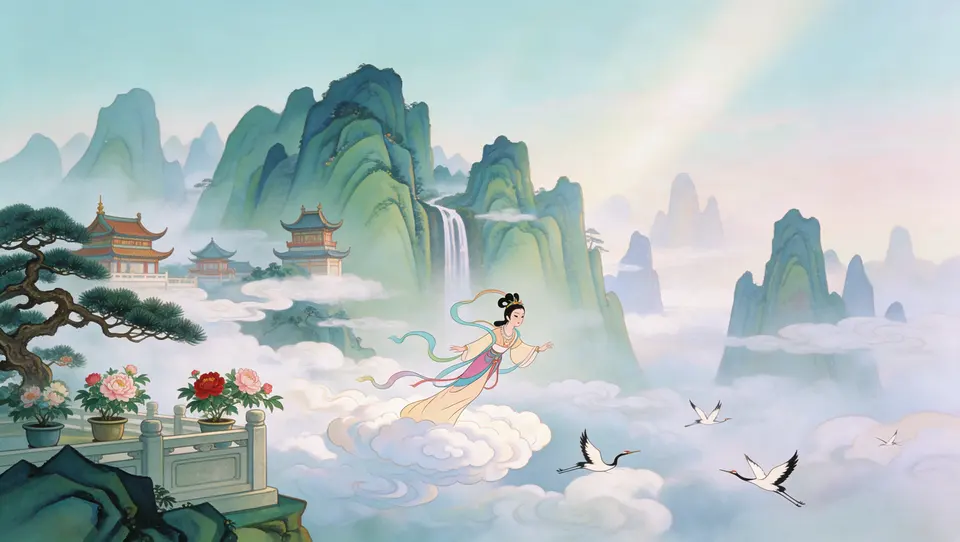
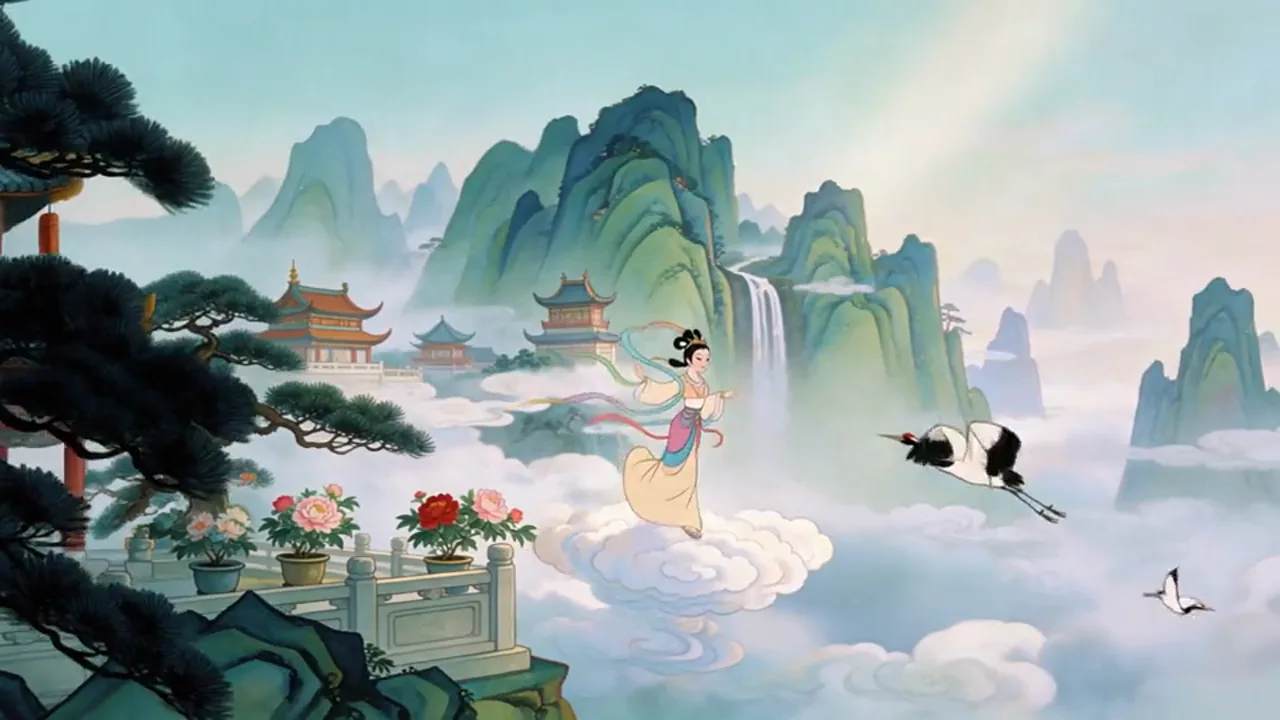
Clouds, cranes and layered mountains give this painted scene a gentle rhythm. Consider which details should move and which should stay calm.

01 / Visual references01 references
Painted mountain landscape with a woman, cranes, and clouds
01Original painting

The landscape reference establishes the composition, color and brushwork of the example.

0:00 / 0:00
02 / Video example7s

Scene ideaA painted world explored through movement

Text to video · image to video

Two ways to create with Wan 3.5

Write the scene you imagine or upload an image that sets the visual direction. Develop the action, camera and mood from that starting point.

  • 01

    Text to video

    Generate a scene from a prompt that describes the subject, action, setting and camera movement

  • 02

    Image to video

    Animate a product photo, portrait or illustration by describing how the subject and camera should move

  • 03

    Refine your video

    Review the result, change a focused part of the prompt and compare a new version

Direct the details that matter

What can you create with Wan 3.5?

Build a product reveal, an expressive character moment or a cinematic scene. Bring the subject, action, camera and sound into one brief so the first video gives you something useful to develop.

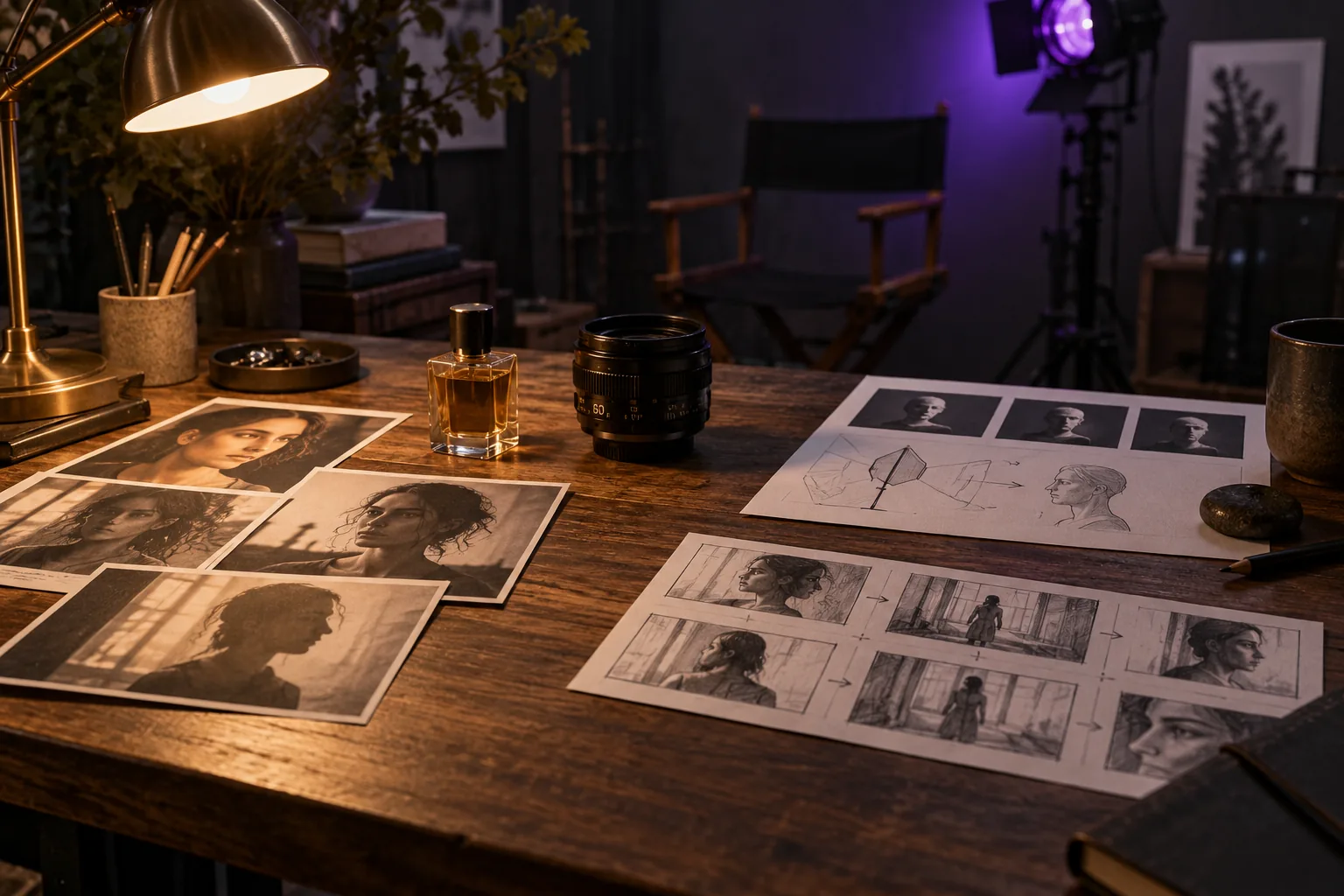
Physical storyboard cards, portrait references and camera equipment on a warmly lit desk
  1. 01

    Build around your subject

    Give Wan 3.5 a clear product photo, character image or written description. Specify the materials, clothing and setting that the viewer should notice.

  2. 02

    Guide the action and camera

    Describe what happens and how we see it: a slow push-in, a glance, a product reveal or a change of atmosphere. A concise sequence makes the shot easier to direct.

  3. 03

    Plan picture and sound together

    Include dialogue, ambience or a musical rhythm when they matter to the scene. Check the sound options for your selected video and review the timing alongside the picture.

  4. 04

    Keep your iterations in view

    Use generation history to revisit a prompt and compare the result with your brief. Focus each new version on one useful change, then download the clip you want to develop.

Prompts, camera and sound

Shape your Wan 3.5 video, shot by shot

Turn a creative goal into a focused video prompt. Decide what the viewer should see first, how the scene changes and which moment completes the shot.

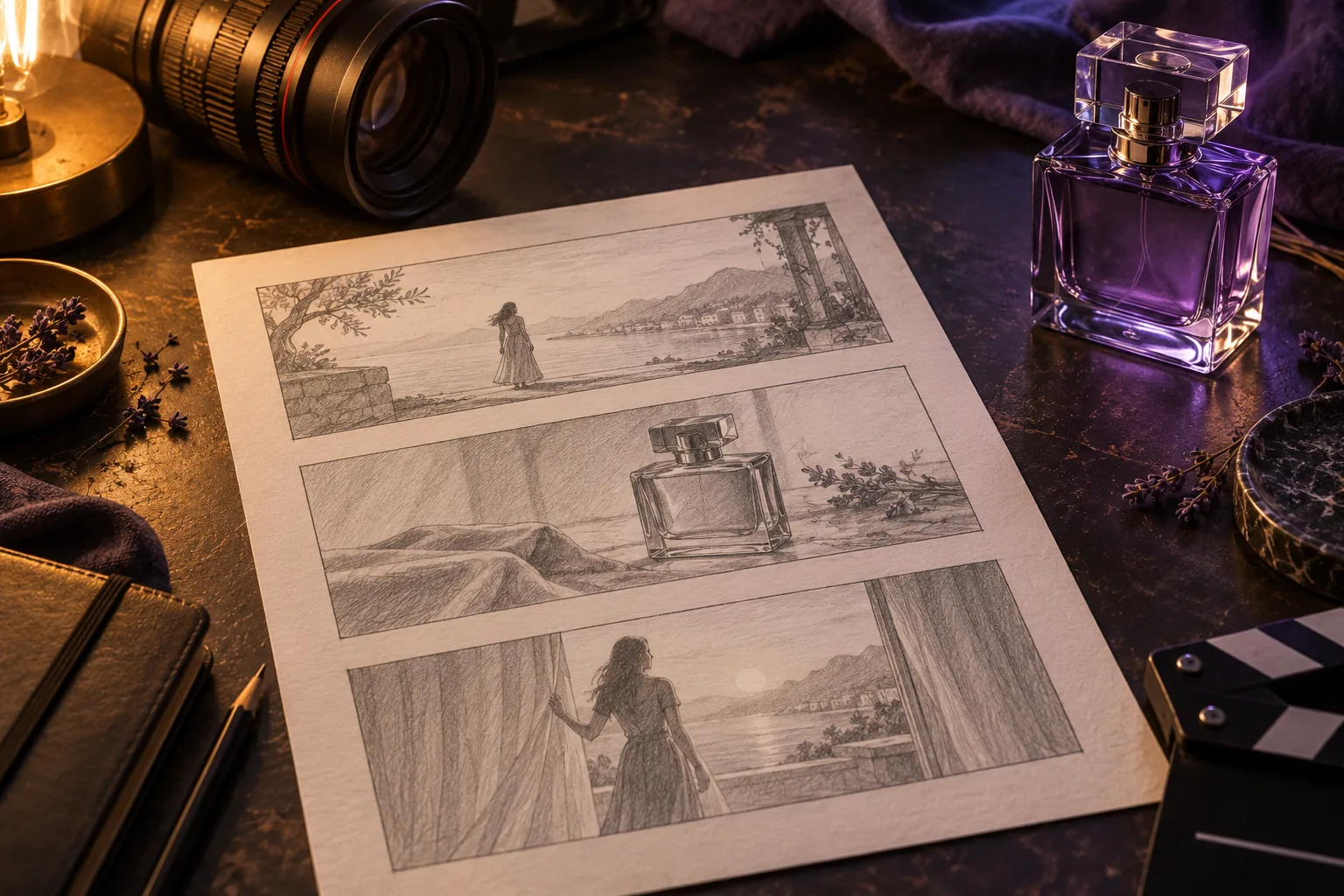
  1. Pencil storyboard, camera lens and violet glass bottle on a filmmaker’s desk
    1

    Create a product video with a clear reveal

    Use Wan 3.5 to explore a product ad from a photo or written brief. Describe the material, lighting and setting, then build the shot around a close-up, a demonstration or a final reveal.

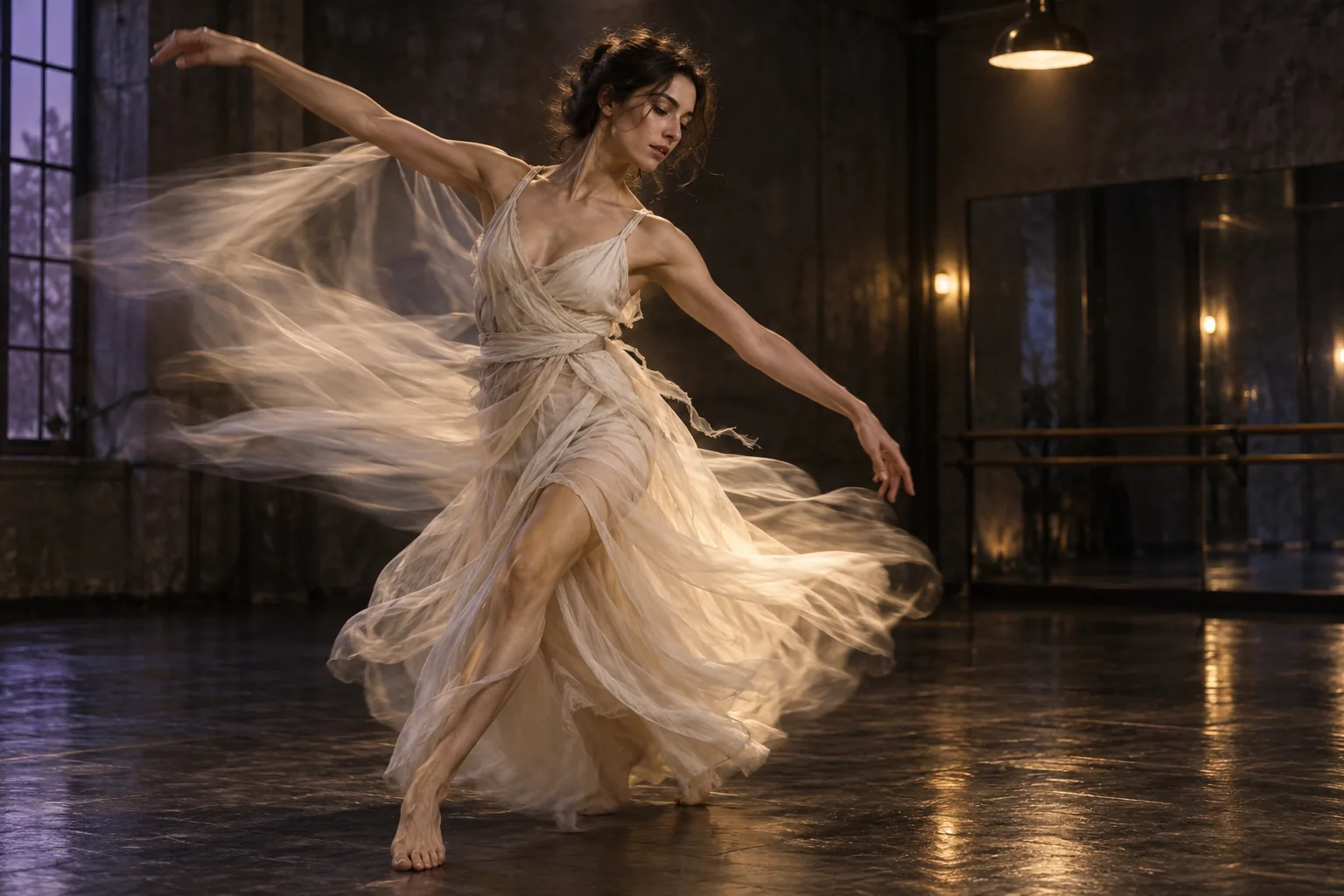
  2. Dancer in an ivory garment moving through a softly lit rehearsal space
    2

    Give every camera move a purpose

    Separate the subject action from the camera instruction. A fixed shot, gentle orbit or following move should help show the product, reveal the character or establish the mood.

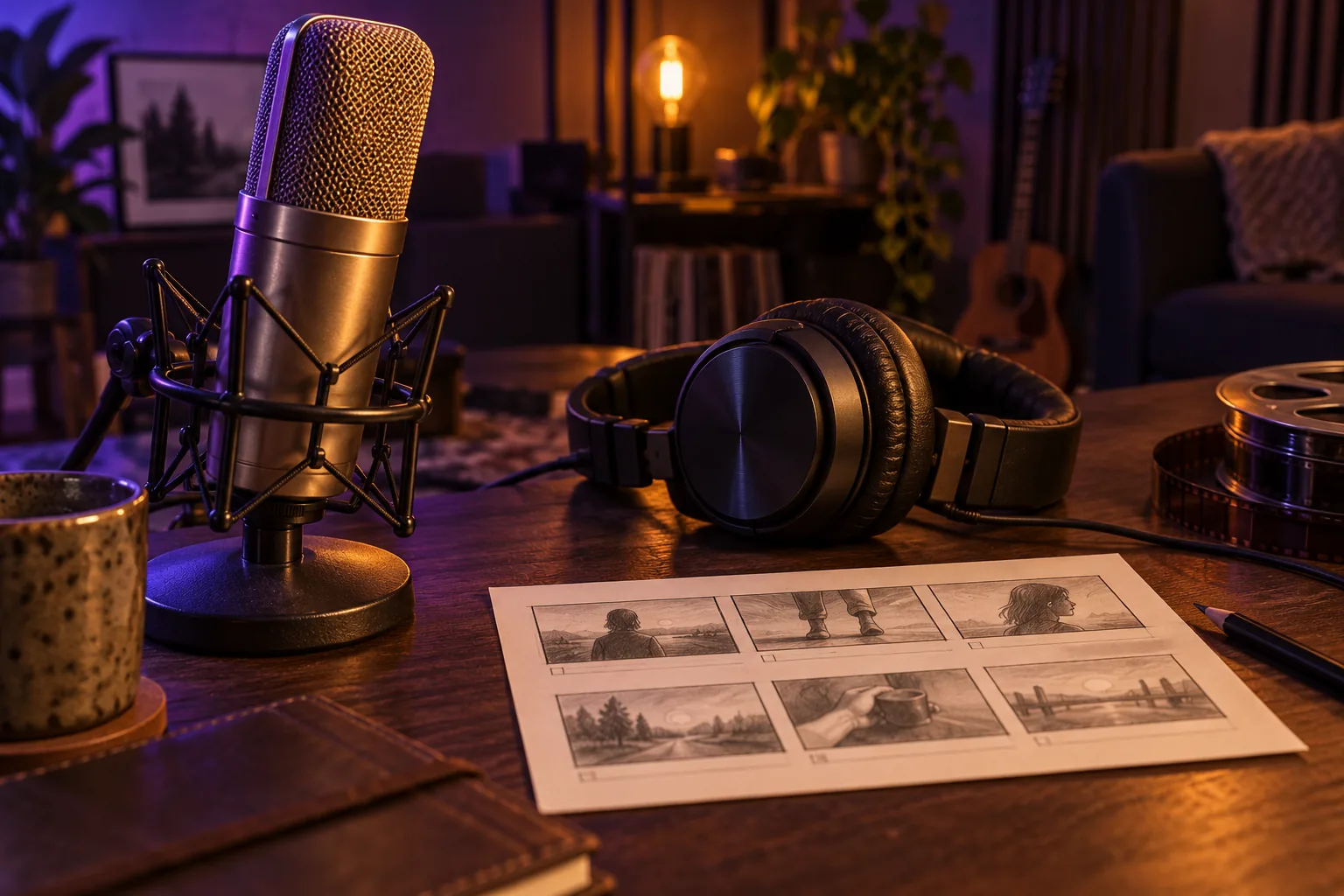
  3. Microphone, headphones and storyboard card in a warmly lit sound studio
    3

    Match the sound to the scene

    Describe the room tone, a line of dialogue or the pace of the music. Where audio generation is available, review clarity and timing before choosing the clip for your edit.

Your first AI video

How to use Wan 3.5

Move from a prompt or image to a video you can review. These four steps keep the input, generation settings and next creative decision clear.

  1. 01

    Choose one scene to create

    Start with a product reveal, a character moment or a short social story. Decide what the viewer should notice and what needs to happen in the shot.

  2. 02

    Write a prompt or upload an image

    In Wan 3.5, describe the subject, action, camera and light. For image-to-video, upload a clear starting frame and explain which parts of the scene should move.

  3. 03

    Check settings and generate

    Review the selected model, video mode and available settings in the workspace. Check the displayed credit cost, then submit the generation.

  4. 04

    Review, refine and download

    Check the composition, movement, subject details and sound. Change the most important instruction for another version, or download the clip for your editing workflow.

For brands, creators and storytellers

Where Wan 3.5 fits your creative work

Explore video ideas for real briefs: a product launch, a social post, a character scene or an illustrated world. Give each clip one clear purpose before building the next.

01

Product ads and brand videos

Use Wan 3.5 to explore product reveals, ingredient close-ups and lifestyle scenes. Turn a campaign idea into a video draft before selecting the creative direction.

02

Social videos and creator content

Create short visual stories with Wan 3.5 for launches, announcements and everyday content. Start with a strong opening, then keep the subject and message clear.

03

Character stories and short drama

Develop a character entrance, a reaction or a dramatic beat from a portrait and a scene brief. Reuse clear character and wardrobe notes when planning the next clip.

04

Animation and moving illustration

Turn an illustration into an animated scene concept. Describe the character action, camera movement and environmental details while keeping the intended visual style clear.

05

Game trailers and concept scenes

Explore a location reveal, a character entrance or an action beat. Use a visual concept and a concise shot description to develop ideas for a larger production.

06

Travel, music and atmosphere

Create scene ideas for a destination, a music mood or an immersive setting. Use lighting, pace and movement to decide how the audience should feel.

Frequently asked questions

Wan 3.5 questions, answered

Practical guidance on text-to-video, image-to-video, prompts, generation settings and credits.

01

What is Wan 3.5 and what can I create?

Wan 3.5 is an AI video creation workspace for turning text and images into moving scenes. Use it to explore product ads, social clips, character stories and animation concepts, then review and refine your result.

02

How do I write a Wan 3.5 video prompt?

Name the subject, action and setting, then add camera movement, lighting and the order of events. For example: a violet perfume bottle on stone, soft evening light, a slow camera orbit and a final garden reveal. Keep one clear idea per shot.

03

Can Wan 3.5 turn photos or illustrations into video?

Yes. Choose an image-to-video option, upload a clear image and describe how the subject or camera should move. Use a starting frame with visible subject details and a composition that suits the video you want to create.

04

How do I keep a story coherent across several clips?

Plan a few distinct moments and reuse the subject description, wardrobe, palette and location notes. Give each clip a role in the story, then review continuity before combining your chosen clips in an editor.

05

How do I direct sound and dialogue?

Describe speech, ambience, music or sound effects when they help the scene. Select a video option with the audio controls you need, then check the generated sound for clarity and timing alongside the picture.

06

Which settings should I check before generating?

In Wan 3.5, review the selected model, video mode, framing and any other settings shown in the workspace. Match them to the intended use, such as a vertical social clip or a wider presentation. The selected option determines the settings and credit cost.

07

How do Wan 3.5 credits and pricing work?

The workspace shows the credit cost before you generate. Different models, inputs and settings can use different amounts. Compare subscriptions and one-time credit packs on the Pricing page for your expected creation volume.

08

What should I review before publishing a video?

Check the subject, movement, product details, text and sound. Confirm you have permission to use uploaded images, likenesses and audio, and make sure the selected clip fits the audience and purpose of your project.

Wan 3.5 Pricing

Compare Wan 3.5 monthly and annual subscriptions with one-time credit packs. Review credit allowances and validity to choose a plan for image and video creation.

Cancel anytime

Starter

$14.99
USD / mo
100 credits ≈ $4.28
A flexible starting point for AI creation and production tests.

What's included

  • 350 workspace credits per month
  • Up to 2 generation batches at once
  • Use credits across creation models enabled in the workspace
  • Use reference inputs and production tools where supported
  • Generation history and result downloads
  • Credits valid while subscribed, cancel anytime
Most Popular

Pro

$39.99
USD / mo
100 credits ≈ $2.50
Ideal for creators, producers, and growing production workflows.

Everything in Starter, plus

  • 1,600 workspace credits per month
  • Up to 4 generation batches at once
  • Up to 4 results per batch
  • Lower cost per AI generation
  • More room for reference-led production exploration
  • Commercial license included
  • Credits valid while subscribed, cancel anytime

Premium

$119
USD / mo
100 credits ≈ $2.16
5,500 credits
For teams, studios, and high-volume creative production.

Everything in Pro, plus

  • 5,500 workspace credits per month
  • Up to 8 generation batches at once
  • Up to 4 results per batch
  • Lowest monthly cost per AI generation
  • Built for teams, studios, and commercial content production
  • Commercial license included
  • High-volume creative testing and asset production
  • Credits valid while subscribed, cancel anytime
For any questions about payment or plans, contact our support team: Contact support

Pay safely and securely with

UnionPay
▷▷

From your idea to a first video

Create your next video with Wan 3.5

Start with a prompt or image, direct the scene and review your first clip. Refine the details that matter, then bring your chosen video into the next stage of your project.