
First-frame animation
Upload one image and direct subject movement, camera behavior, light, and atmosphere while preserving the opening visual identity.
Test motion from one first frame or define both the beginning and ending with two images. Create silent 5 or 8 second clips at 480p or 720p with the lowest Wan credit rate in this workspace.
Wan 2.2 image animation
Wan 2.2 is a focused, economical tool for silent image animation. Start with one frame when the ending can remain open, or add a last frame when the final pose, composition, or visual state must be controlled.
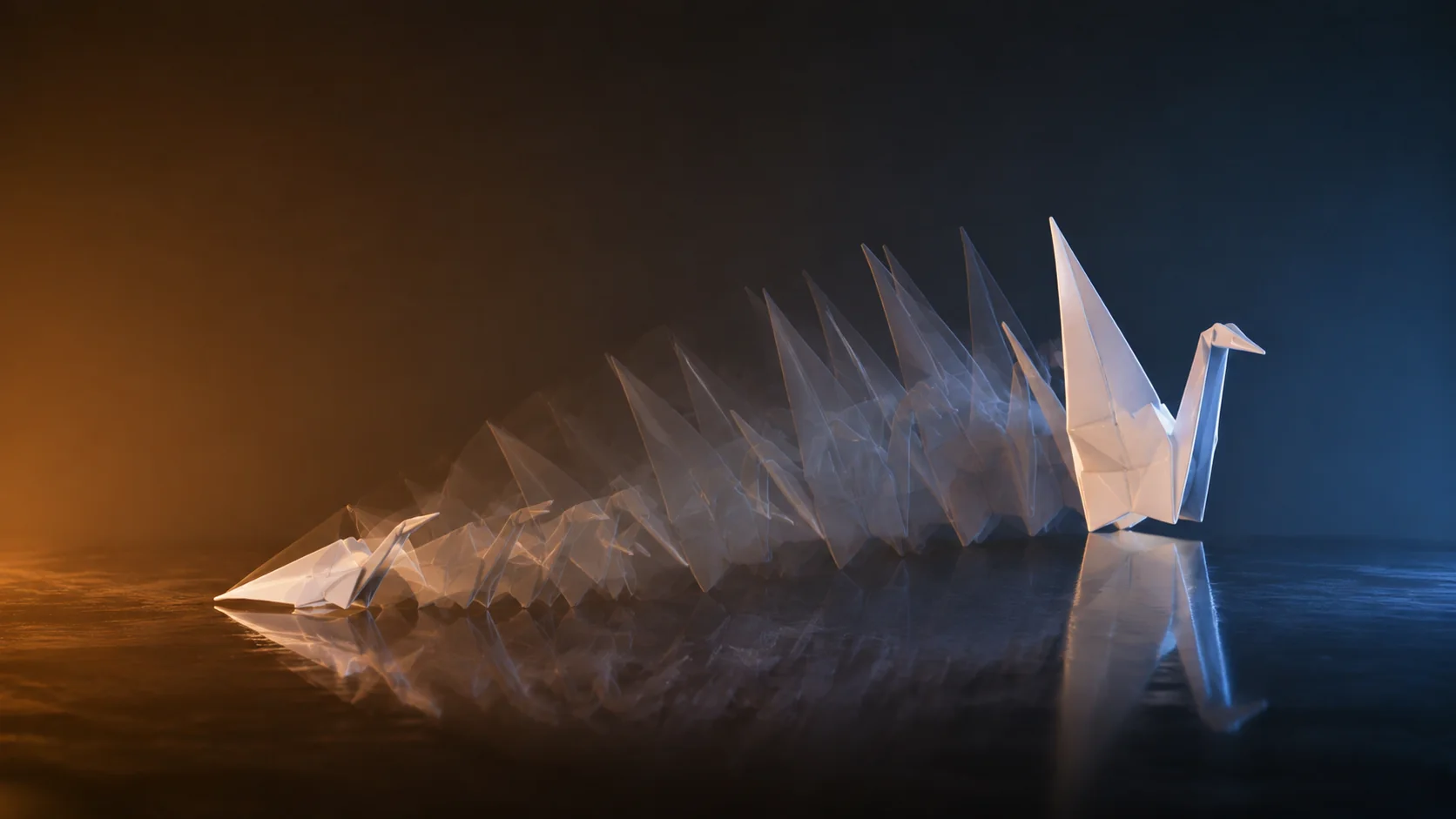
Two visually compatible frames give the model a believable route from start to finish.
Upload one image and direct subject movement, camera behavior, light, and atmosphere while preserving the opening visual identity.
Add an ending image for a pose change, reveal, transformation, lighting shift, or transition that must reach a designed result.
Use 5 seconds for one compact motion study or 8 seconds when the transition needs more time. Add the soundtrack later in an editor.
Choose 480p for inexpensive direction tests and 720p when the idea is approved or the source contains details you need to inspect.
Wan 2.2 use cases
Wan 2.2 fits early-stage work that needs a readable motion path, a stable composition, or a known final frame before moving into a higher-cost generation.
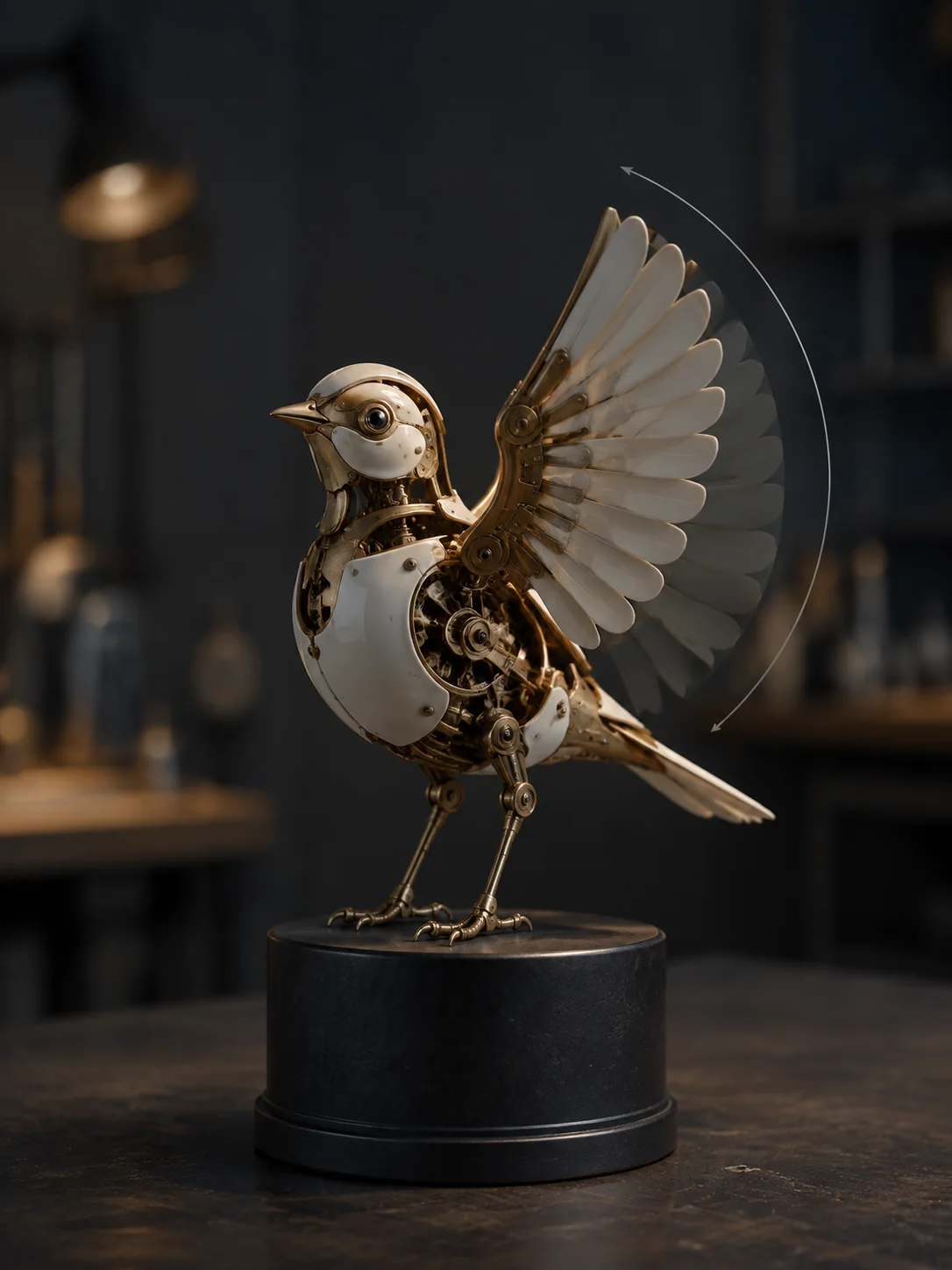
Test subject motion, camera direction, and pacing before rebuilding the strongest version at a higher resolution or with native audio.
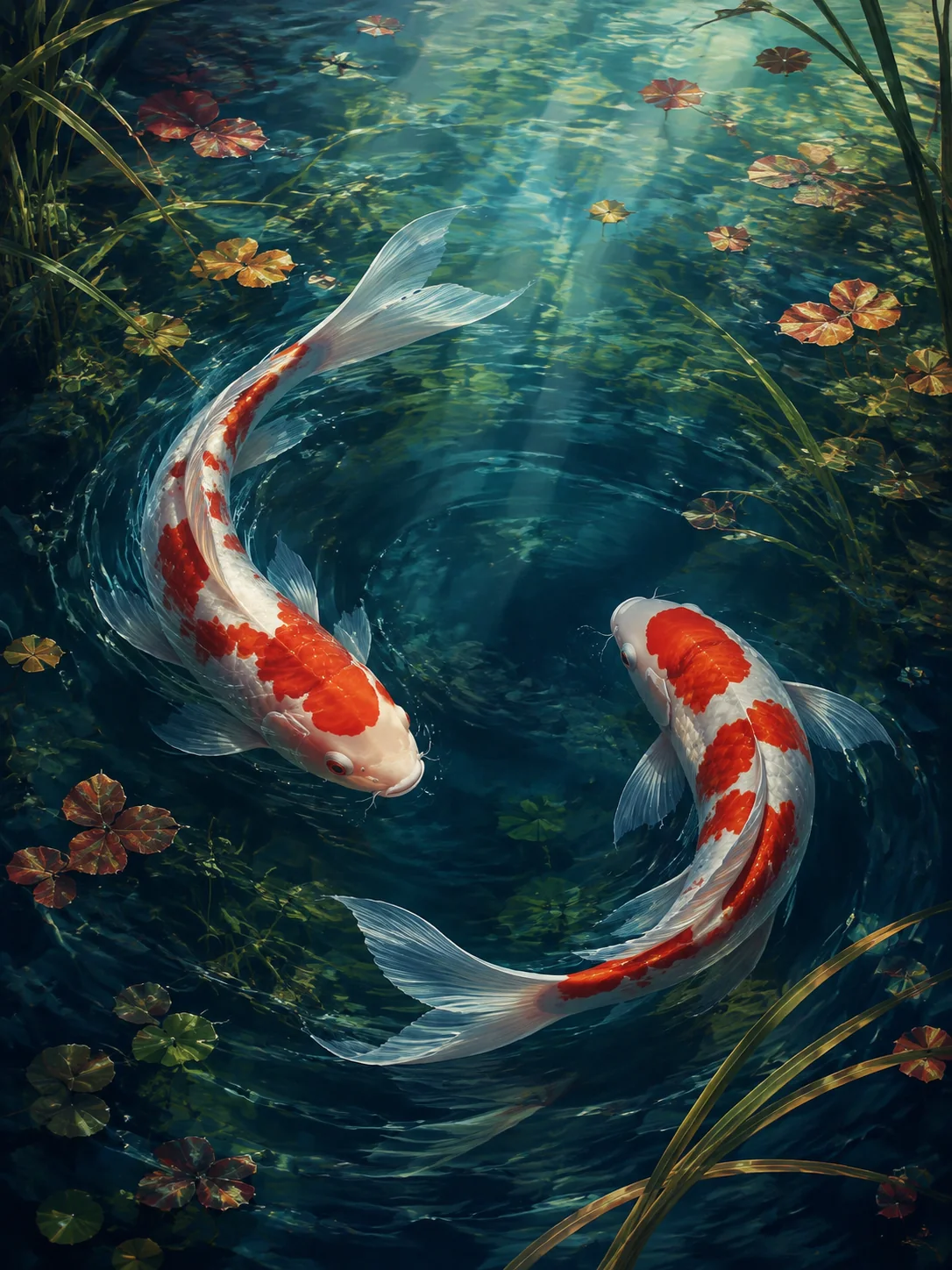
Move wind, light, particles, fabric, and expression while protecting the drawing style and the composition that makes the image recognizable.
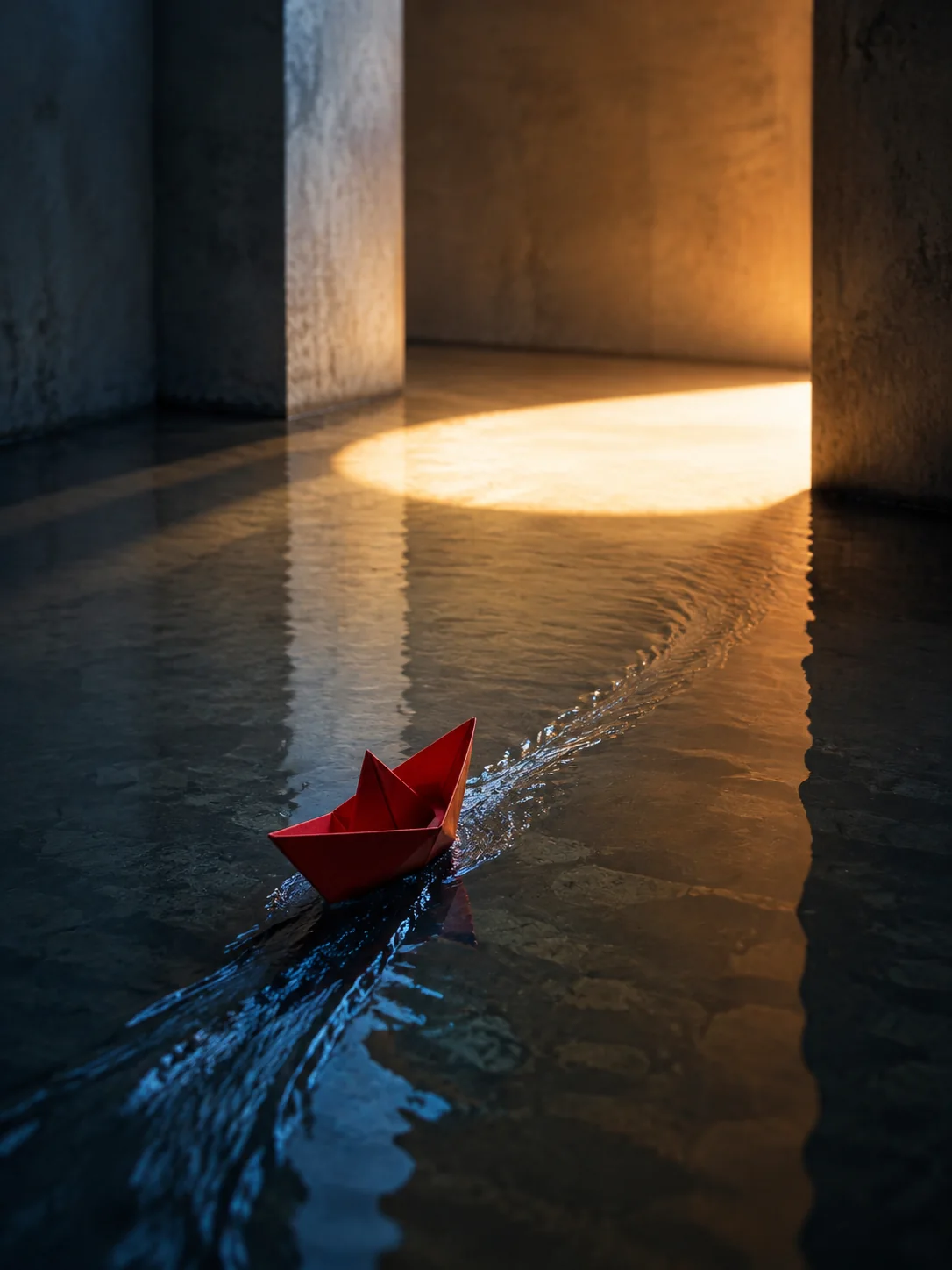
Guide a day-to-night shift, pose change, product reveal, color transformation, or loop with compatible opening and ending images.
How to use Wan 2.2
Clean inputs and a physically plausible motion path matter more than a long prompt. Keep the subject, viewpoint, and layout compatible.
01
Choose an image with a clear subject, stable edges, and enough empty space for the intended action or camera move.
02
Use two images when the final pose or composition matters, and keep identity, perspective, crop, and scene structure compatible.
03
Write the action in order, describe the camera, and identify the light, color, or environment changes that connect both states.
04
Check the motion path, object shape, facial identity, and ending frame at 480p or 720p, then build sound during editing.
Wan 2.2 prompt guide
Write the missing movement: subject action, camera behavior, environmental change, continuity anchors, and the interruptions you want to avoid.
Wan 2.2 first-and-last-frame prompt example
The dancer completes one slow clockwise turn and lifts both arms into the final pose. The camera remains locked at waist height. Fabric follows the rotation with natural delay while the background light shifts gradually from amber to blue. Preserve the face, body proportions, costume pattern, and floor lines. Use smooth continuous motion with no cuts, text, or extra people.
Connect the opening and ending poses
Describe a natural physical sequence that could plausibly move the subject from the first image to the last.
Keep the camera easy to reconcile
Use a locked shot or one controlled move so the camera does not fight the supplied ending composition.
List the details that anchor continuity
Protect the face, clothing, product shape, background lines, scale, and color relationships that should not drift.
Exclude breaks in the visual path
Ask for continuous movement without captions, cuts, new objects, duplicate subjects, or sudden viewpoint changes.
Wan model comparison
Compare the controls available in this generator: required inputs, keyframe options, duration, resolution, native audio, and relative credit use.
Wan model selection
Wan 2.2 is the best fit when the goal is to validate motion or a start-to-finish transition and silent 480p or 720p output is sufficient.
Animate one first frame or connect first and last frames in a 5 or 8 second silent clip at 480p or 720p.
Create with Wan 2.2Move to Wan 2.5 when you need text-to-video, native sound, or a more detailed 1080p short video.
Compare Wan 2.5Major differences in identity, camera angle, crop, or background geometry give the model too many changes to solve at once and can reduce stability.
Wan 2.2 FAQ
Answers about required frames, first-and-last-frame control, video length, resolution, silent output, and when to use Wan 2.5.
Wan 2.2 provides low-credit first-frame and first-and-last-frame animation. It is useful for motion tests, artwork animation, and controlled visual transitions.
No. Upload at least one first-frame image. Choose Wan 2.5 or Wan 2.6 when you need text-to-video generation.
Yes. Use compatible images and describe the physical, camera, lighting, and color changes that should connect them.
Choose 5 or 8 seconds at 480p or 720p. The generated video follows the aspect ratio of the uploaded image.
No. Wan 2.2 generates silent video in this workspace. Add sound in an editor or use Wan 2.5, 2.6, or 2.7 for native audio.
Create a Wan 2.2 motion test
Upload one opening image or a compatible pair of keyframes, describe the transition, and generate a focused 5 or 8 second motion study.