
Create from text or one image
Use a prompt to invent the scene, or provide a first frame to preserve a person, product, visual style, and opening composition.
Turn a text prompt or one opening image into a focused 5 or 10 second video. Create at 720p or 1080p with native sound while using fewer credits than Wan 2.6 or Wan 2.7.
Wan 2.5 text and image-to-video
Wan 2.5 keeps the choices simple: start from text when the visual is open, or upload a first frame when the subject and composition are already set. It is a practical option for short videos that still need 1080p and sound.
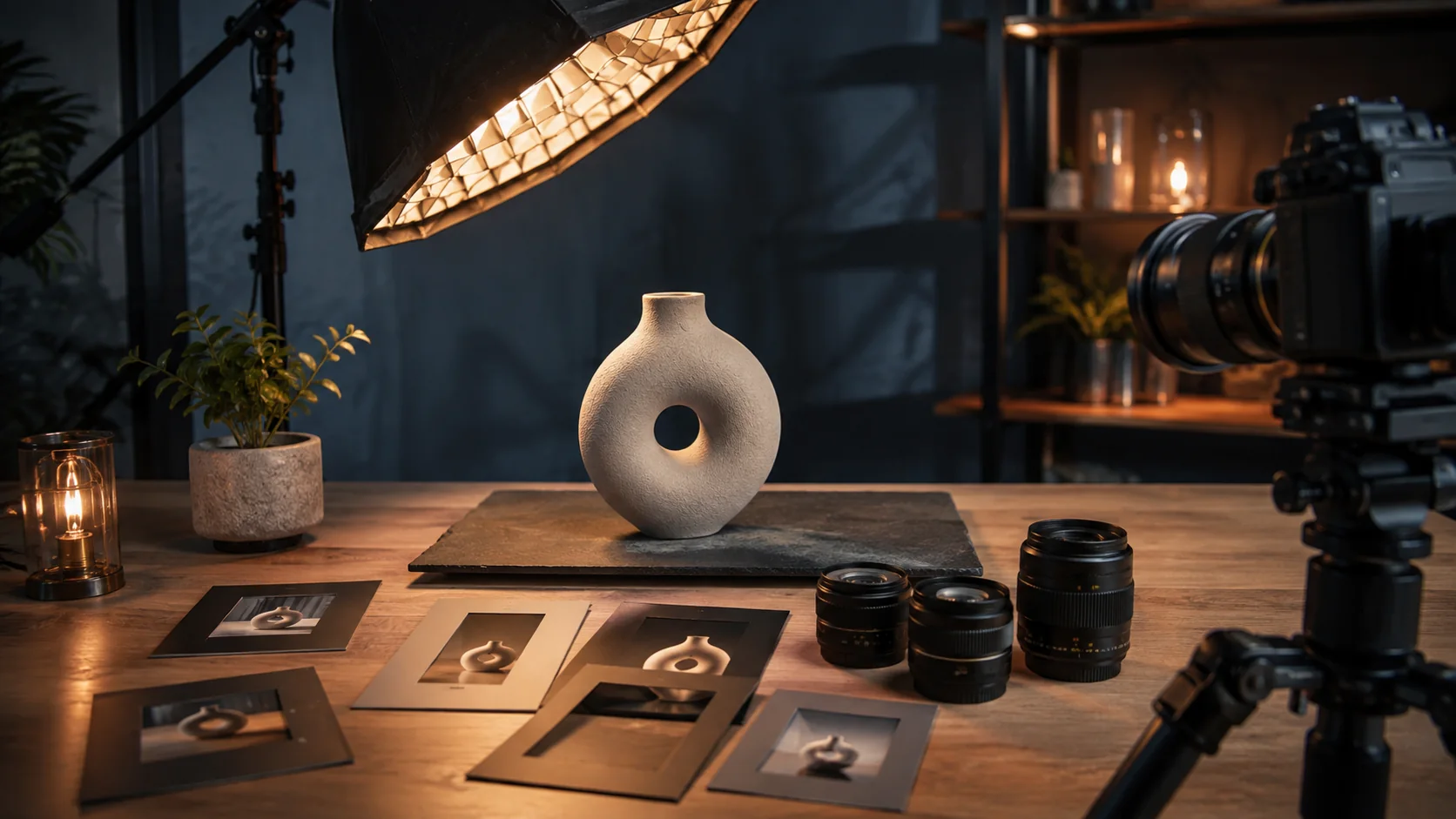
One main action and one camera move are usually enough for a clear 5 or 10 second result.
Use a prompt to invent the scene, or provide a first frame to preserve a person, product, visual style, and opening composition.
Five seconds suits a hook, reveal, or reaction. Ten seconds gives a simple action enough time to establish and finish.
Work at 720p while comparing ideas, then select 1080p when the approved direction needs more visible detail.
Generate ambience and effects with the picture so a short concept can be reviewed as a complete audio-video beat.
Wan 2.5 use cases
Wan 2.5 works well when a team needs several credible options for social, products, or scene-setting footage without paying for controls the brief does not use.
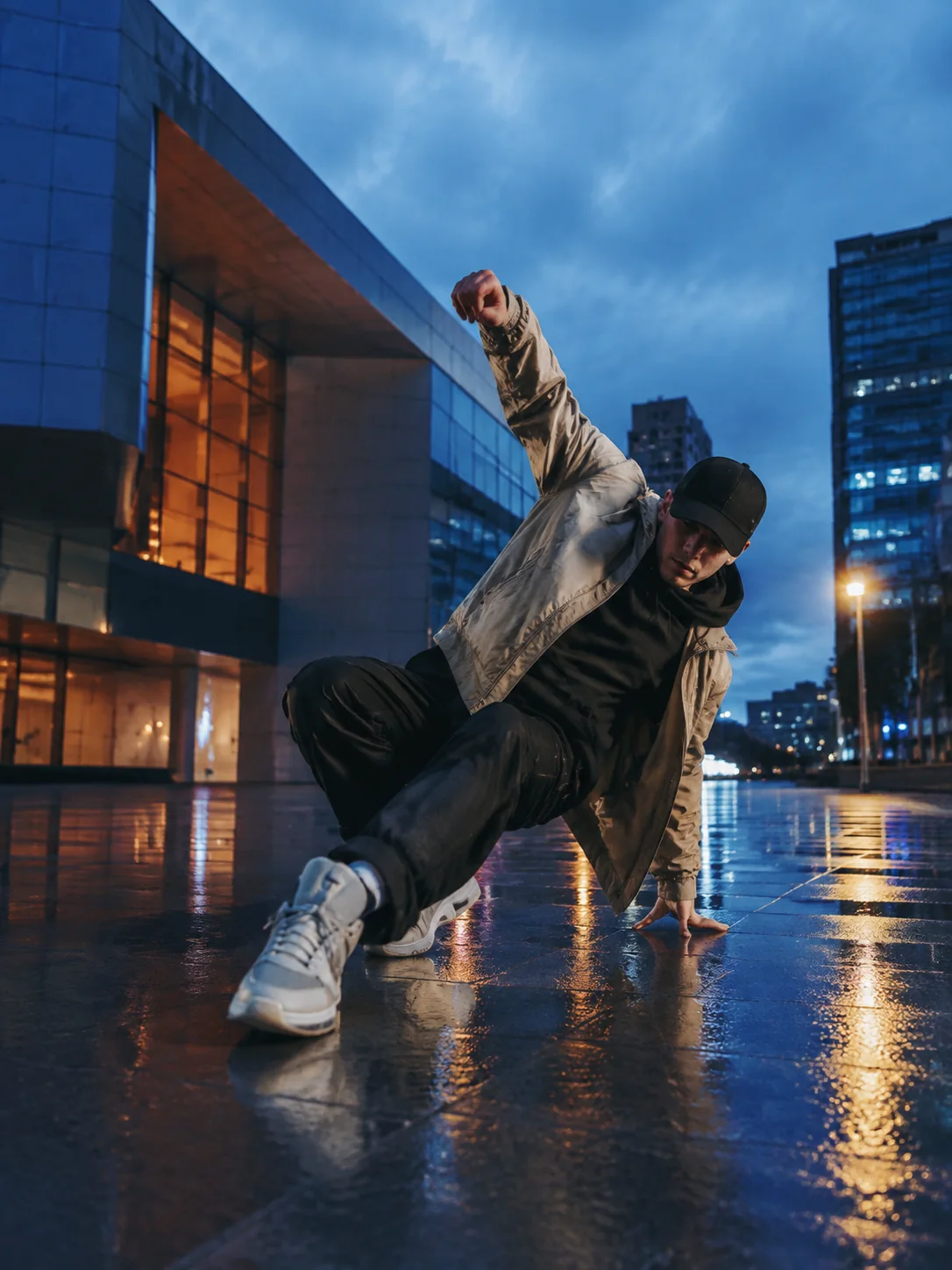
Compare opening images, camera moves, settings, and formats for paid ads, organic posts, launch teasers, and short campaign variations.
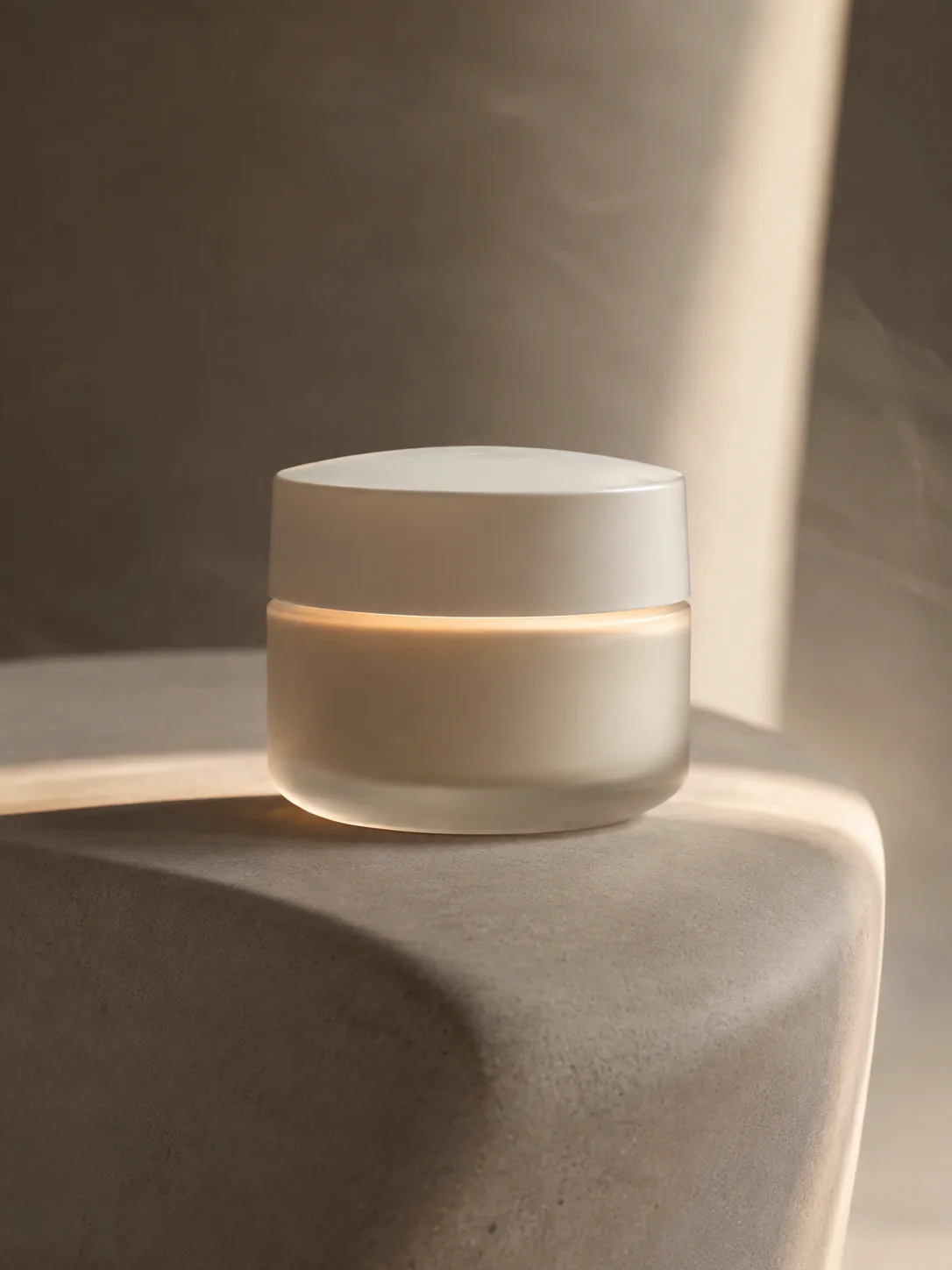
Use light, reflections, material movement, and one deliberate camera move to reveal the product without losing its silhouette.
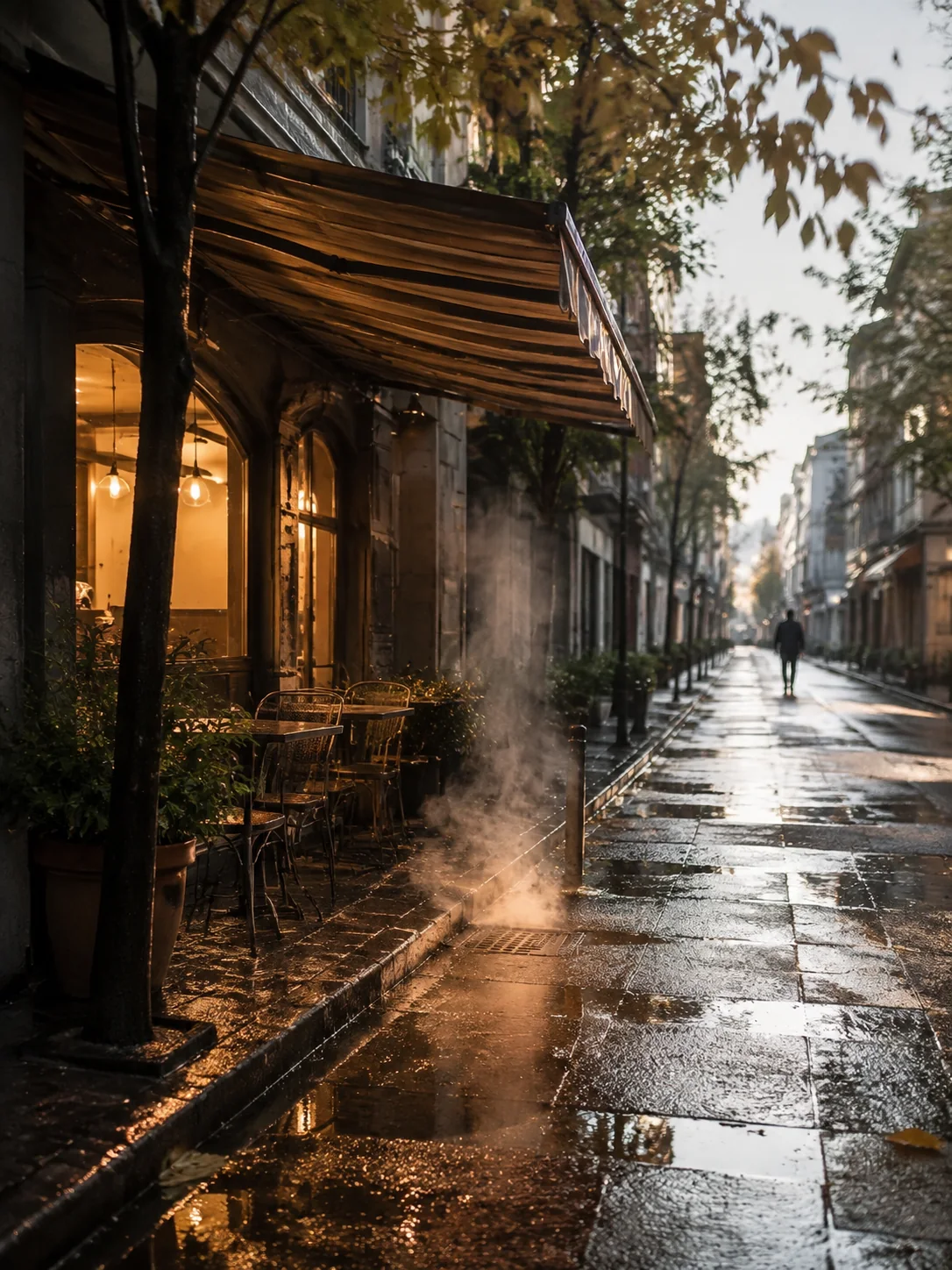
Generate moving weather, traffic, foliage, smoke, or light with matching ambience for transitions, intros, and editorial cutaways.
How to use Wan 2.5
A concise brief makes better use of 5 or 10 seconds. Decide the visual anchor, write one action, choose the output, and review before creating variations.
01
Use text when composition is open, or upload one image when the opening subject and art direction must remain recognizable.
02
State the action first, then camera movement, light, and secondary environmental motion. Remove ideas that compete with the main event.
03
Select 5 or 10 seconds, then use 720p for exploration or 1080p when the result is moving toward delivery.
04
Check identity, object geometry, framing, motion speed, and audio timing before adapting the idea to more formats.
Wan 2.5 prompt guide
Organize the prompt as format, subject, action, camera, environment, sound, and exclusions. Concrete physical language keeps a short idea easy to follow.
Wan 2.5 text-to-video prompt example
Vertical close-up of a ceramic cup on a café counter at sunrise. Steam curls upward while the camera makes one slow half-circle move. Morning light brightens across the glaze and customers pass softly out of focus. Add quiet café ambience and one ceramic clink. Keep the cup shape and logo stable. No captions or cuts.
State the delivery format
For text-to-video, name the landscape, portrait, square, or other supported ratio before describing the scene.
Use verbs the viewer can see
Write turns, pours, lifts, drifts, folds, or reflects instead of relying on an abstract mood.
Limit the camera to one plan
A single push, pan, orbit, tilt, or locked shot is easier to execute than several competing moves.
Protect the result with constraints
Name the identity and geometry that must stay fixed, then exclude unwanted text, objects, cuts, or sound.
Wan model comparison
Compare the controls available in this generator: required inputs, keyframe options, duration, resolution, native audio, and relative credit use.
Wan model selection
Wan 2.5 is a sensible choice when text or one opening image provides enough control and a 5 or 10 second clip covers the idea. You keep 1080p and audio without paying for longer duration or endpoint control.
Create 5 or 10 second text-to-video and image-to-video clips at 720p or 1080p with native audio and moderate credit use.
Create with Wan 2.5Move to Wan 2.6 when the shot needs 15 seconds or must connect a supplied first frame to a supplied last frame.
Compare Wan 2.6Multiple scene changes, crowded interaction, intricate hand contact, and tiny text can make the main action harder to preserve in a short generation.
Wan 2.5 FAQ
Answers about text and image inputs, clip length, 1080p, native audio, credit use, and the difference from Wan 2.6.
Wan 2.5 creates short video from a text prompt or one first-frame image. This workspace offers 5 or 10 second output at 720p or 1080p with native audio.
Yes. Use text when the model should establish the scene, or upload one image to control the opening subject, style, and framing.
Choose 5 or 10 seconds. Five seconds is best for one direct moment; 10 seconds allows a simple setup, movement, and finish.
Yes. You can select 720p or 1080p and generate native audio. Higher resolution consumes more credits.
Both create text-to-video and first-frame video with audio up to 1080p. Wan 2.6 also supports a 15-second option and first-and-last-frame control; Wan 2.5 uses fewer credits.
Create a Wan 2.5 video
Start from text or a first frame, describe one visual beat, and generate at the length, resolution, and sound setting your channel needs.