
Any whole-second duration from 2 to 15
Match the clip length to the action instead of padding a short idea. Use a few seconds for a reaction or loop and more time for a developed camera move or performance.
Start with one image and direct what happens next. Create a 2–15 second video at 720p or 1080p, with camera movement, subject motion, and native sound shaped by your prompt.
Wan 2.7 image-to-video
Wan 2.7 is for shots whose opening image is already decided. The image anchors the subject, styling, and framing; your prompt controls how the scene moves, how the camera responds, and what the audience hears.
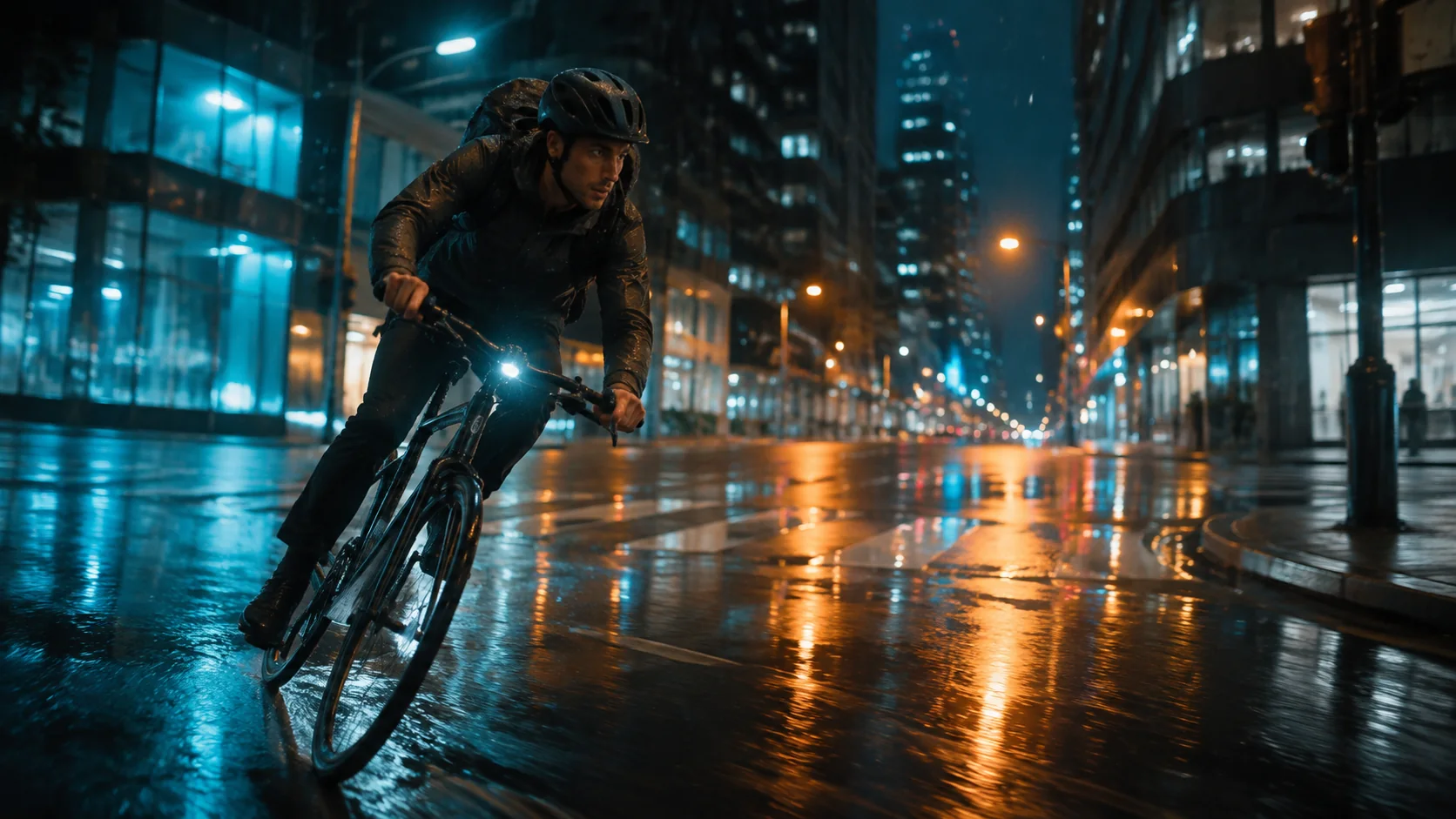
Let the image define the look, then use the prompt to describe change over time.
Match the clip length to the action instead of padding a short idea. Use a few seconds for a reaction or loop and more time for a developed camera move or performance.
Choose 720p while testing direction, or 1080p when faces, product materials, and fine scene detail need a cleaner final result.
Add ambience and effects that belong to visible events in the shot. Focused sound direction is easier to synchronize than a long list of competing cues.
Your upload establishes identity, wardrobe, product shape, lighting, and layout. Spend the prompt on motion, timing, camera behavior, and details that must not drift.
What to create with Wan 2.7
Wan 2.7 suits approved images that already contain the right subject and art direction but still need movement, pacing, and sound.
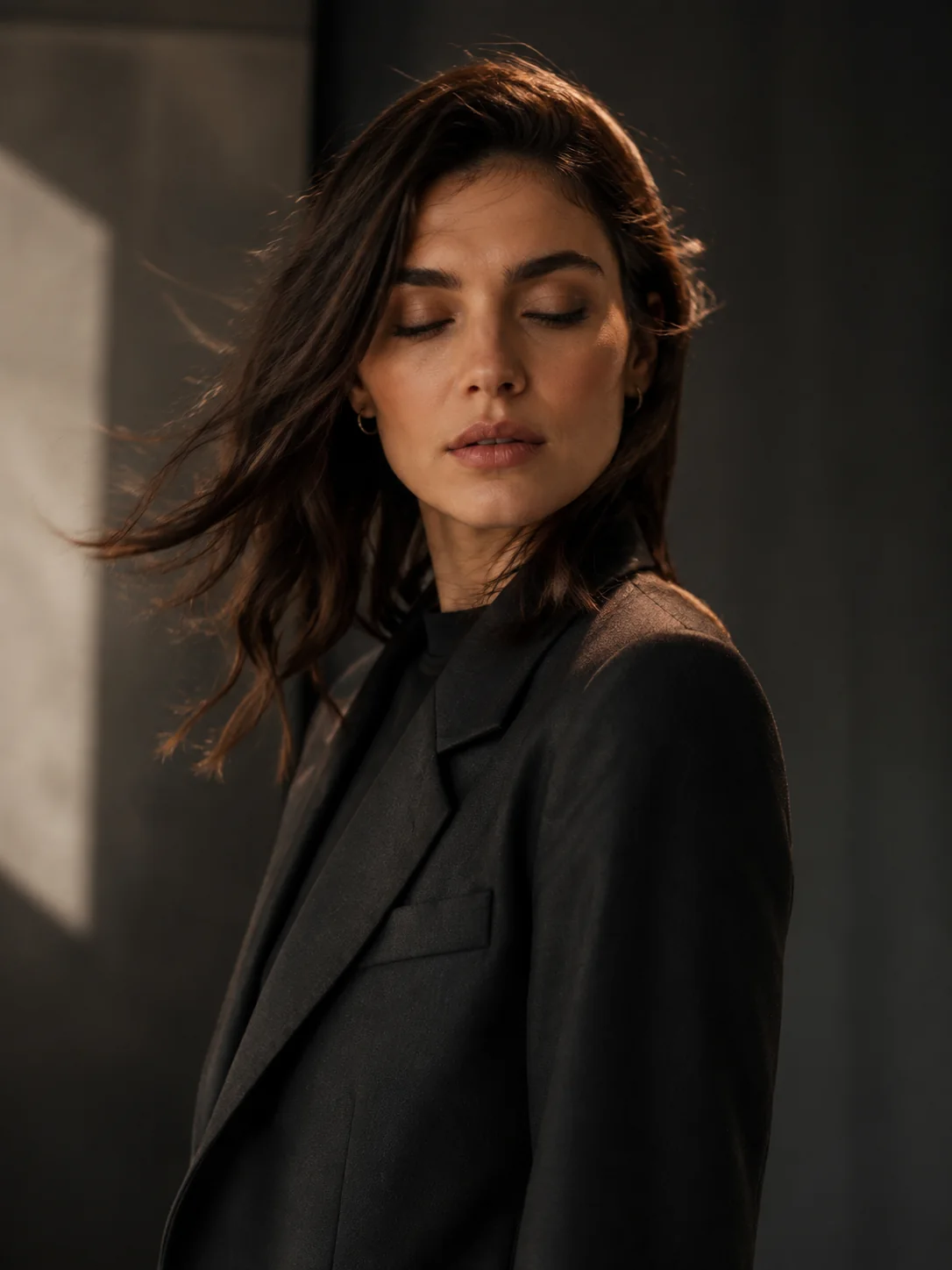
Direct a glance, breath, posture change, hair movement, or subtle camera push while asking the model to preserve the face and styling.
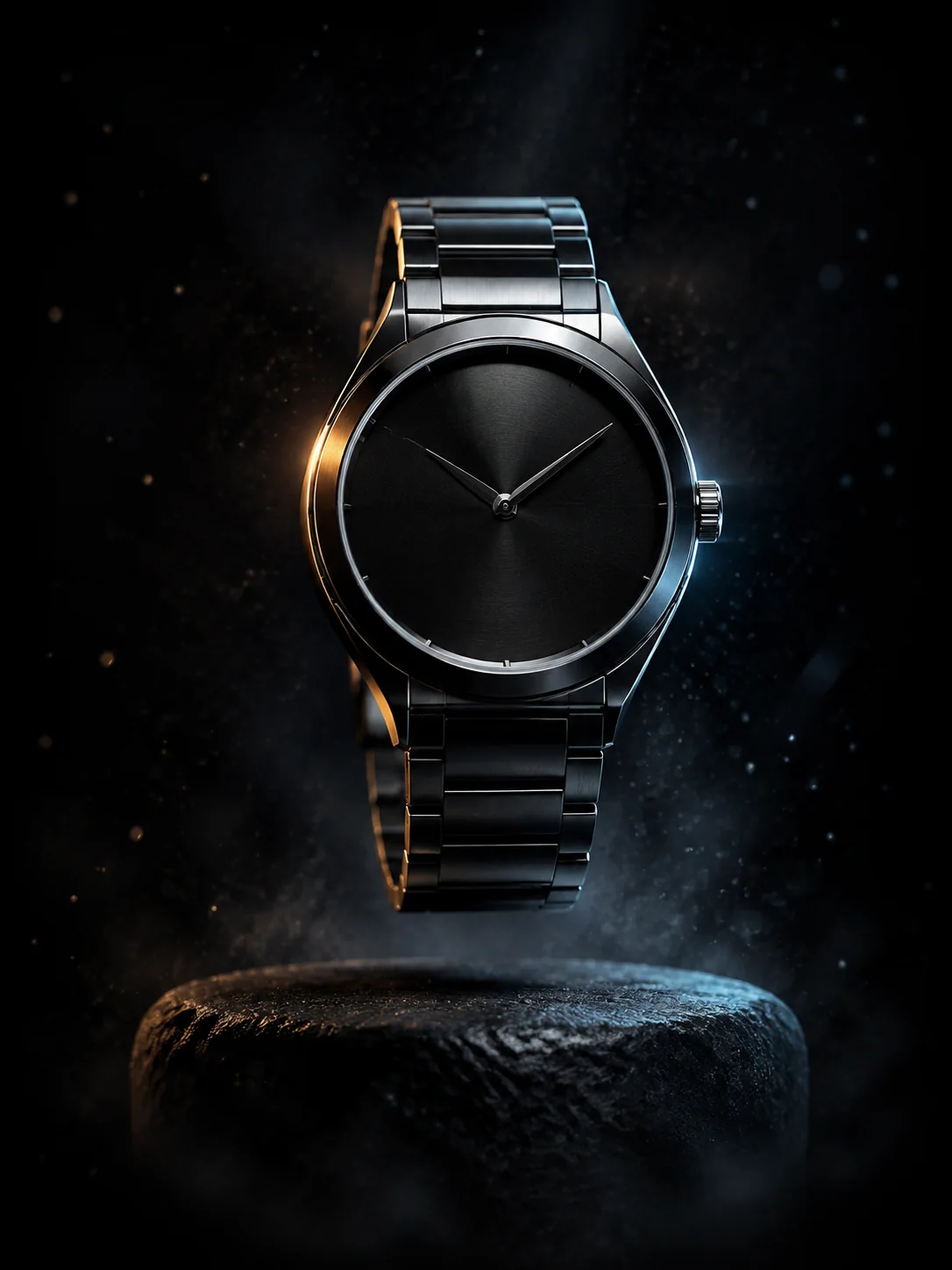
Move the light, reflections, particles, or camera around a locked packshot for launch teasers, paid social, and edit-ready cutaways.
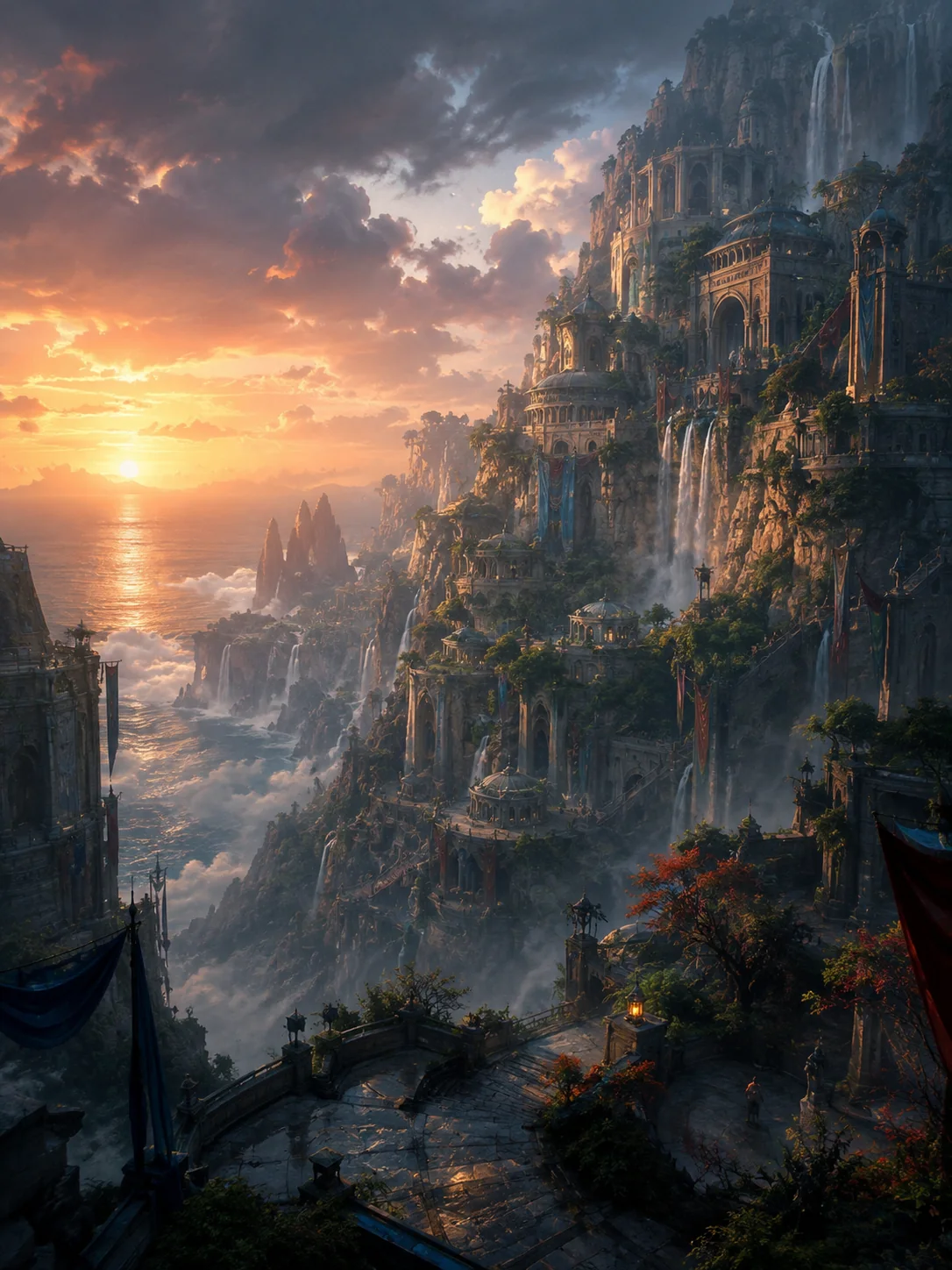
Animate water, weather, foliage, smoke, crowds, and changing light while keeping the source artwork's composition and visual language recognizable.
How to use Wan 2.7
A useful Wan 2.7 brief explains what changes and what must stay fixed. Follow this order to keep the request easy to interpret.
01
Choose a sharp frame with readable subjects, clear edges, and enough space for the planned movement. Remove unwanted text or duplicated details first.
02
Say what the subject does, then describe the camera path and secondary motion. Use concrete verbs and an order the viewer could follow.
03
Give the main action enough seconds to finish, select 720p or 1080p, and include sound cues only when they help tell the shot.
04
Review face and hand stability, object shape, background geometry, motion speed, camera continuity, and audio timing before using the result.
Wan 2.7 prompt guide
A strong image-to-video prompt covers five things in sequence: subject action, camera movement, secondary motion, sound, and preservation rules.
Example Wan 2.7 image-to-video prompt
The cyclist leans into the corner and accelerates across the wet street. Track alongside at wheel height, then ease into a wider view. The jacket and reflected neon move naturally while the rider's face and bicycle geometry remain stable. Add tire spray, chain movement, and distant traffic ambience. No text, cuts, or extra people.
Give the subject one primary action
Lead with the physical change viewers should notice first, before adding mood, lighting, or texture.
Write camera movement separately
Distinguish what the subject does from what the camera does, including direction, speed, shot size, and stabilization.
Name your continuity anchors
State which facial features, product proportions, wardrobe details, colors, and background lines must remain consistent.
Use only scene-defining sound cues
Choose a few useful sounds and describe when they occur instead of requesting dialogue, music, and effects all at once.
Wan model comparison
Compare the controls available in this generator: required inputs, keyframe options, duration, resolution, native audio, and relative credit use.
Wan model selection
Use Wan 2.7 when you already have the right opening image and want flexible timing, 1080p output, and generated audio. Choose another Wan model when the idea should begin from text or must end on a supplied frame.
It fits expressive portrait, product, and concept-art animation with a 2–15 second duration, 720p or 1080p output, and native sound.
Create with Wan 2.7Wan 2.6 adds text-to-video and first-to-last-frame workflows when the opening image is not your only source of control.
Compare Wan 2.6Small text, crowded interactions, intricate hand contact, and several simultaneous actions may still lose detail or stability. Simplify the shot when precision matters.
Wan 2.7 FAQ
Practical answers about required inputs, video length, resolution, audio, and when to use Wan 2.6 instead.
Wan 2.7 animates one first-frame image from a written motion prompt. This workspace offers 2–15 second output, 720p or 1080p resolution, and native audio generation.
No. Wan 2.7 requires one first-frame image here. For text-to-video, use Wan 2.6 or Wan 2.5.
Choose any whole-second duration from 2 through 15 seconds. The generated video follows the aspect ratio of your uploaded image.
Yes. Enable audio and include concise direction for ambience or effects that should follow the visible action.
Choose Wan 2.7 for flexible first-frame animation. Choose Wan 2.6 when you need text-to-video, first-and-last-frame control, or fixed 5, 10, or 15 second production options.
Animate an image with Wan 2.7
Upload one image, describe the action and camera path, choose the length and resolution, and generate a Wan 2.7 video with sound.