
Text-to-video for open exploration
Describe the subject, setting, action, framing, and style when you want the model to establish the entire visual scene.
Create from a text prompt, animate one opening image, or connect supplied first and last frames. Wan 2.6 produces 5, 10, or 15 second video at 720p or 1080p with native sound.
Wan 2.6 generation modes
Wan 2.6 offers three practical starting points. Use text when the scene is open, one image when the beginning must be preserved, or two keyframes when the shot needs to arrive at a specific ending.
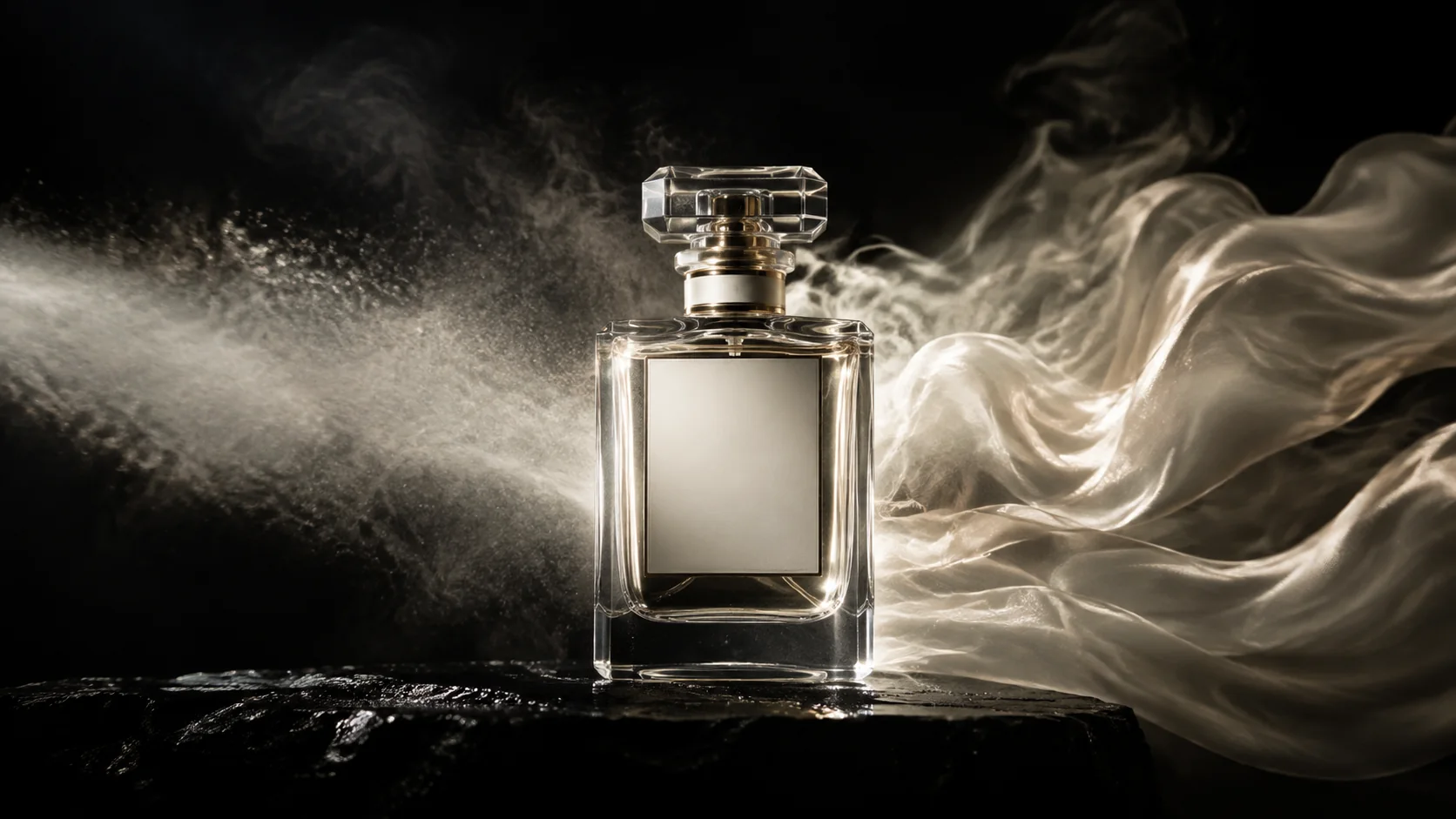
Select the control mode first; then write only the information the inputs do not already provide.
Describe the subject, setting, action, framing, and style when you want the model to establish the entire visual scene.
Upload one image to preserve the opening subject and composition while directing motion, camera behavior, and sound.
Provide both endpoints for a transition, transformation, reveal, or camera move that must finish on a planned composition.
Choose 5, 10, or 15 seconds at 720p or 1080p and generate scene-aware audio in the same run.
Wan 2.6 use cases
The useful difference is not the subject matter but the amount of visual control you already have. Match the input mode to the production decision.
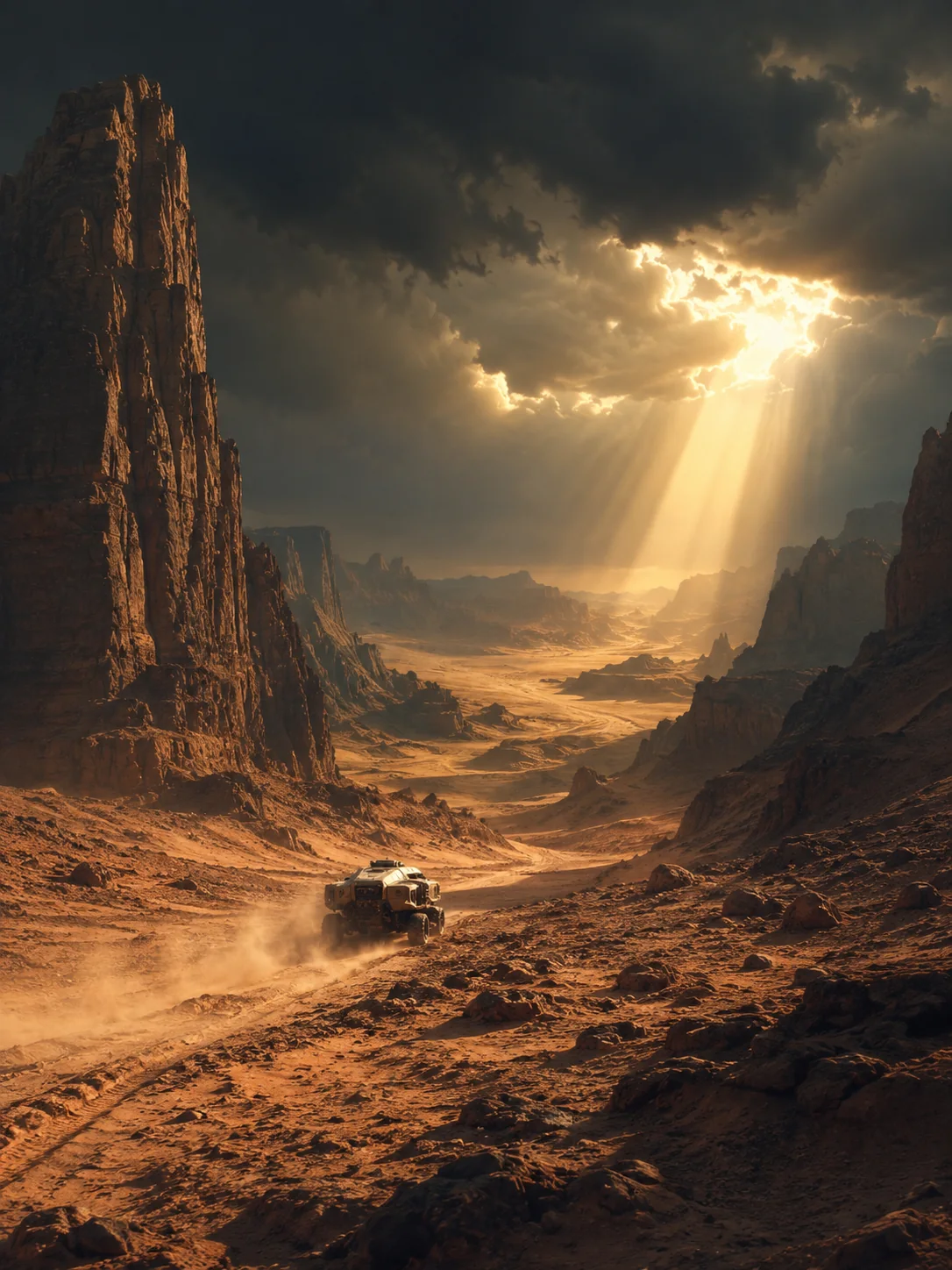
Test locations, lighting, camera language, and pacing before a team commits to key art or a fixed composition.
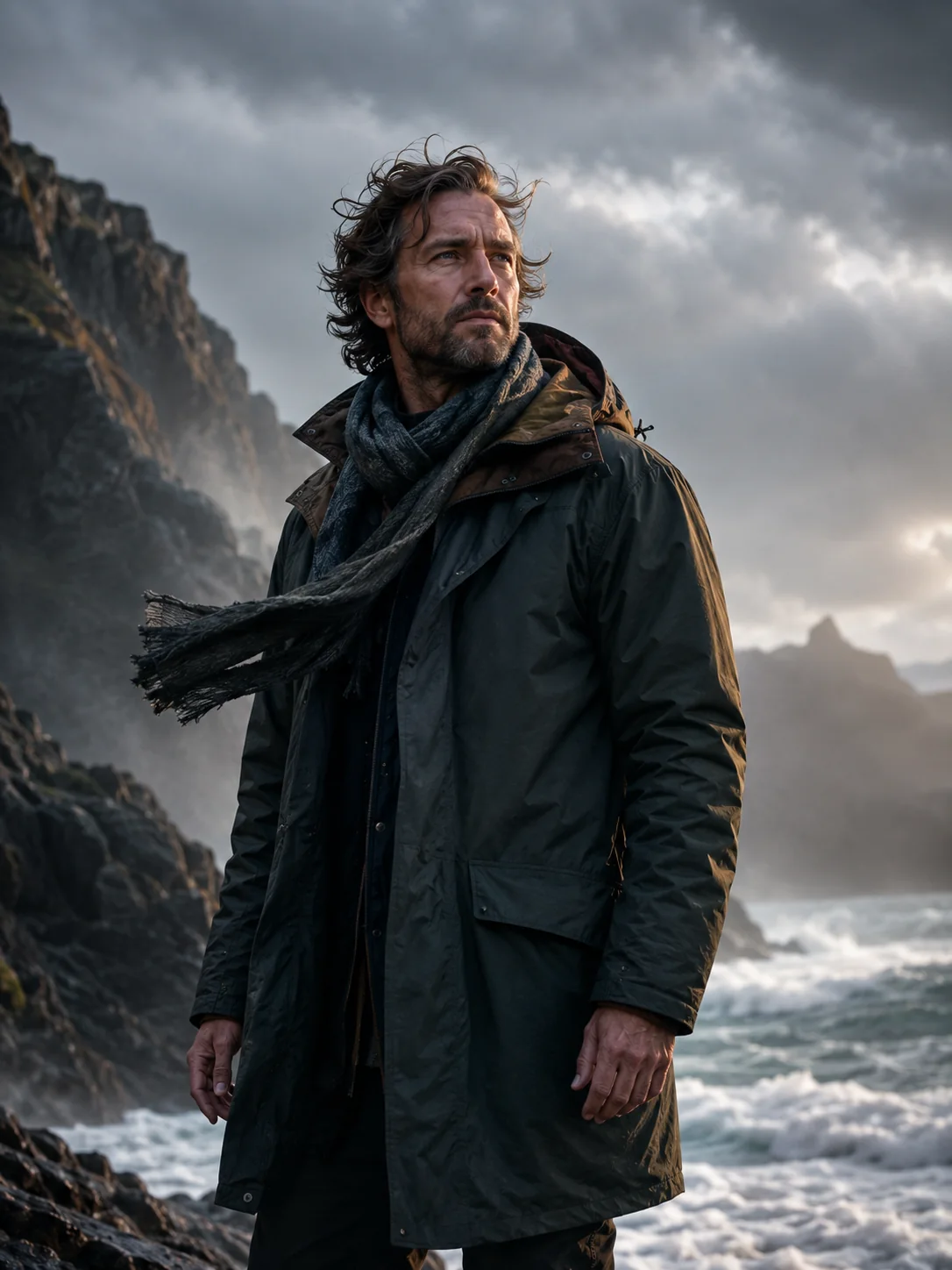
Keep the opening identity, silhouette, and framing while adding a readable action, camera move, environmental response, and sound.
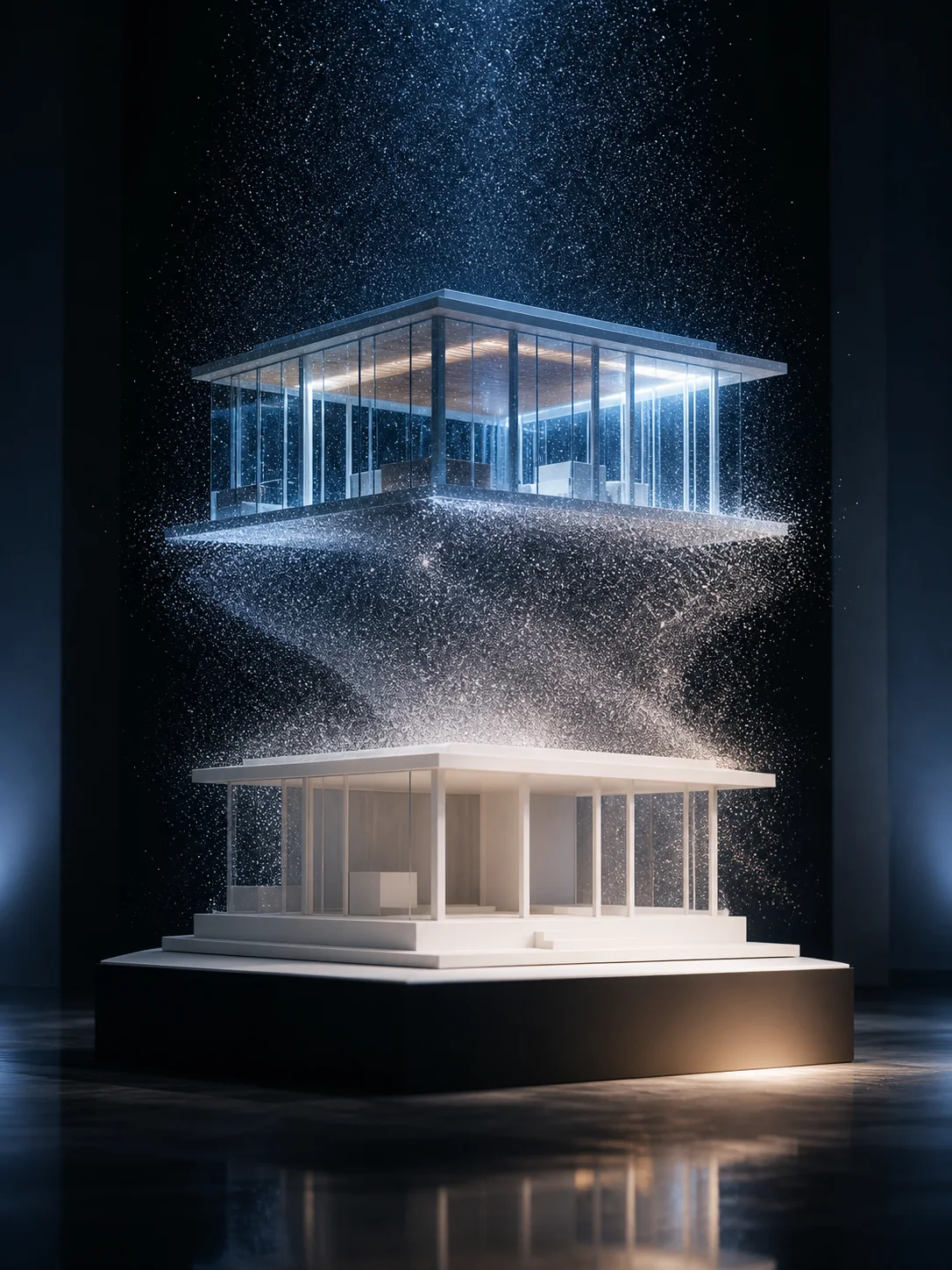
Use compatible first and last frames for match transitions, product transformations, lighting changes, and shots with a fixed endpoint.
How to use Wan 2.6
The best brief depends on the selected mode. Avoid repeating what is already clear in the images; use the prompt to resolve movement, timing, camera, and audio.
01
Choose the least restrictive mode that still protects the creative decision you cannot afford to lose.
02
Write the subject action in order, then add shot size, camera path, light changes, and environmental motion.
03
Select 5, 10, or 15 seconds and 720p or 1080p. In text mode, set the aspect ratio for the target channel.
04
Check the opening, midpoint, ending, identity, object geometry, camera continuity, and audio timing before export.
Wan 2.6 prompt guide
A useful Wan 2.6 prompt identifies the visual anchor, describes motion in sequence, explains how the endpoint is reached, and ties sound to visible events.
Wan 2.6 first-and-last-frame prompt example
Begin on the closed perfume bottle centered on black stone. A narrow beam crosses the glass as the camera makes a slow clockwise arc. Fine mist gathers and gradually forms the pale fabric shape in the final frame. Preserve bottle proportions, label placement, and the black background. Add a soft glass resonance and restrained room tone. No extra objects, cuts, or text changes.
Identify what must remain recognizable
Name the face, object, wardrobe, logo placement, palette, or environment that connects the shot from beginning to end.
Describe motion as cause and effect
Use a clear beginning, development, and finish instead of stacking actions that have no relationship.
Explain how the final frame is reached
For two-frame generation, describe changes in pose, shape, position, light, and camera perspective between the endpoints.
Synchronize sound with the image
Place ambience and effects next to the events that cause them, and exclude unwanted dialogue, music, captions, or cuts.
Wan model comparison
Compare the controls available in this generator: required inputs, keyframe options, duration, resolution, native audio, and relative credit use.
Wan model selection
Wan 2.6 covers the widest range of Wan 2.x input modes available here. It is a strong fit when the same workflow must handle open text concepts, image animation, and designed endpoints.
Create from text, one first frame, or first and last frames, with 5, 10, or 15 second output up to 1080p and native audio.
Create with Wan 2.6Wan 2.5 uses fewer credits when you only need text-to-video or first-frame animation in a 5 or 10 second clip.
Compare Wan 2.5Large conflicts in subject identity, viewpoint, crop, or scene layout make the transition harder to solve. Keep both frames visually plausible as one shot.
Wan 2.6 FAQ
Answers about text-to-video, image inputs, first-and-last-frame control, duration, resolution, and native audio.
This generator supports Wan 2.6 text-to-video, first-frame image-to-video, and first-and-last-frame video. Output can include native audio at up to 1080p.
Yes. Upload compatible opening and ending frames, then describe the movement and visual change that should connect them.
Choose 5, 10, or 15 seconds. Use 5 seconds for one concise action and a longer option when the shot needs development or a visible transition.
Wan 2.6 supports 720p and 1080p. Text-to-video includes common landscape, portrait, square, and editorial ratios; image modes follow the uploaded frame.
Yes. Describe ambience and effects alongside the visible events they should follow for clearer audio-video timing.
Create a Wan 2.6 video
Choose text, one image, or two keyframes, then set the motion, duration, resolution, and sound for your Wan 2.6 video.